Active Learning by ScreenBeam

Turning Group Work Into Shared Learning

Active Learning extends ScreenBeam wireless display to support structured, small-group instruction across multiple displays—without specialized AV systems or complex room redesigns.

Built for classrooms where learning happens in parallel, Active Learning gives instructors real-time visibility into group work and the ability to guide discussion using the displays and networks already in place.

How Active Learning Works

Active Learning is powered by ScreenBeam receivers connected to each display and managed through a browser-based instructor controller. There are no software installs required on instructor or student devices.

System Components:

  • One ScreenBeam receiver connected to the main classroom display
  • Up to 8 ScreenBeam receivers connected to group displays
  • Instructor access through a browser-based controller
  • Student devices wirelessly connect to assigned stations

Instructors can route content between stations, compare outputs, and bring group work to the main display—all in real time.

Active Learning operates over standard classroom networks and does not require proprietary controllers or centralized AV processors. Each station functions independently, allowing rooms to scale incrementally and adapt to changing layouts.

Typical Classroom Flow

Students work in small groups, each sharing wirelessly to a group display.

Instructors monitor group progress from the browser-based controller.

Selected group work is routed to the main display for discussion.

Instructors compare approaches, highlight exemplars, and guide conversation.

Students share between stations to collaborate or refine ideas.

The lesson stays in motion—without cables, interruptions, or walking the room.

Why Traditional Active Learning Rooms Miss the Mark

Many active learning environments rely on:

  • Fixed, expensive room designs
  • Specialized hardware and proprietary systems
  • Tools that look impressive but limit flexibility

These setups lock schools into a single way of teaching, even as learning styles, class sizes, and spaces continue to evolve.

A Different Approach to Active Learning

ScreenBeam Active Learning takes a software-first approach.

Using a browser-based controller, instructors manage multiple group displays, route content, and compare work in real time—all over wireless display and existing infrastructure.

orange checkmark

The classroom stays flexible.

orange checkmark

The learning stays in motion.

Designed to Support Collaboration—Not Device Control

Active Learning focuses on making group learning visible and interactive at the display level. It does not monitor individual student screens, manage devices, or control browsing behavior.

For classrooms that require device-level instructional controls, ScreenBeam Orchestrate provides that additional instructional layer.

What Active Learning Makes Possible

Make group work visible

See what each group is working on instantly—without walking the room or interrupting students.

Compare thinking, not just answers

Bring multiple groups to the main display to highlight different approaches and spark discussion.

Let students learn from each other

Enable station-to-station sharing so collaboration extends beyond a single table.

Adapt to any space

Support up to 8 group stations plus a main display, making it easy to scale collaboration without locking classrooms into fixed layouts.

Deploy without disruption

No proprietary software. No complex programming. Install quickly using existing displays and networks.

Best Suited For

Active Learning is ideal for environments where instruction is discussion-based, collaborative, and centered around group problem-solving rather than individual device oversight.

Designed for Real Classrooms

Active Learning is built for:

  • Flexible learning spaces
  • CTE and skills-based labs
  • Higher education collaboration rooms
  • K–12 group instruction

Anywhere learning happens beyond a single screen.

teacher ghostinking

How Active Learning Is Used in Practice

Higher Education

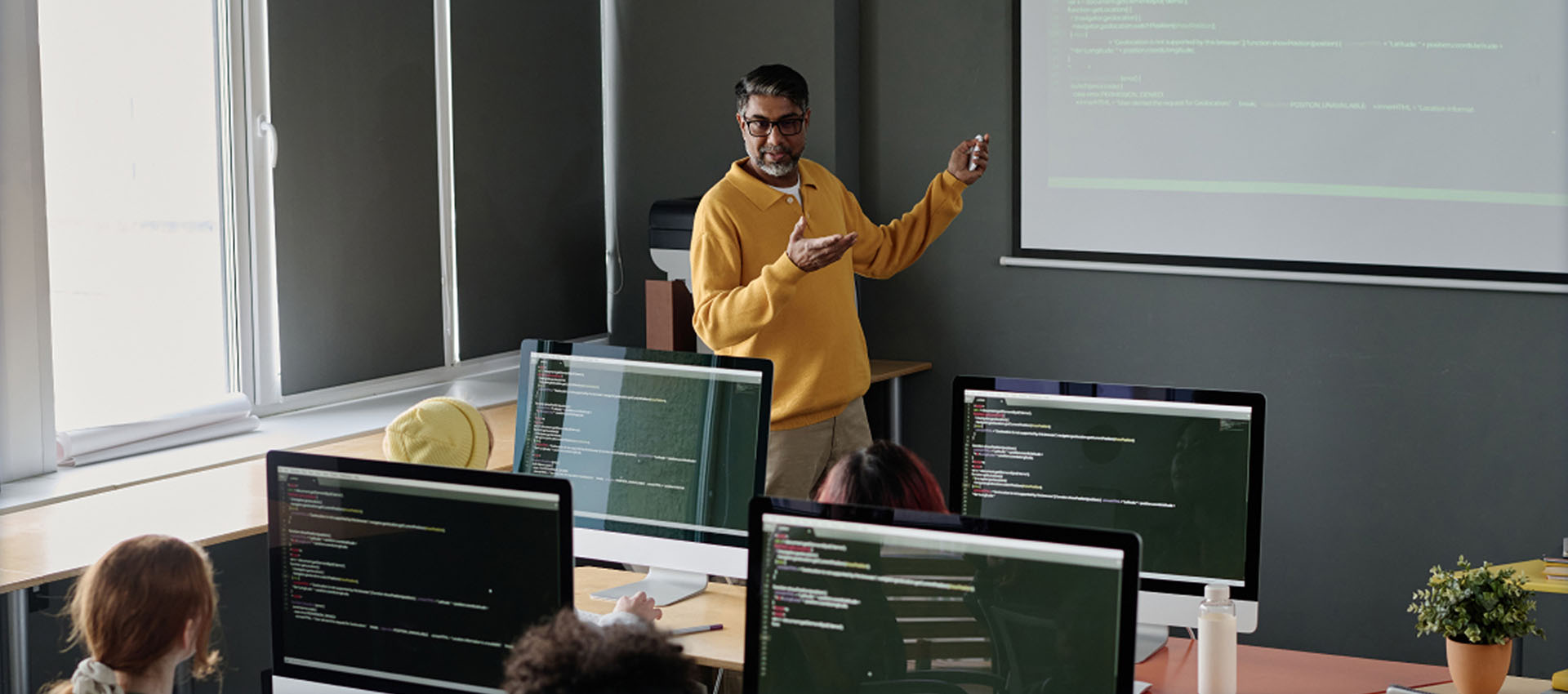
In higher education, Active Learning supports discussion-driven instruction where students work in parallel, compare approaches, and learn from peer reasoning.

Instructors use Active Learning to:

  • Monitor progress across multiple groups without interrupting workflow
  • Bring different problem-solving approaches to the main display for comparison
  • Facilitate discussion in large or mid-sized classes without fixed AV layout

Because it uses existing displays and networks, institutions can deploy collaborative spaces incrementally—without committing to permanent room redesigns.

Common use cases:

  • STEM and problem-based learning classrooms
  • Seminar-style courses
  • Collaboration spaces and innovation labs
professor teaching to students in a classroom

K–12 Classrooms

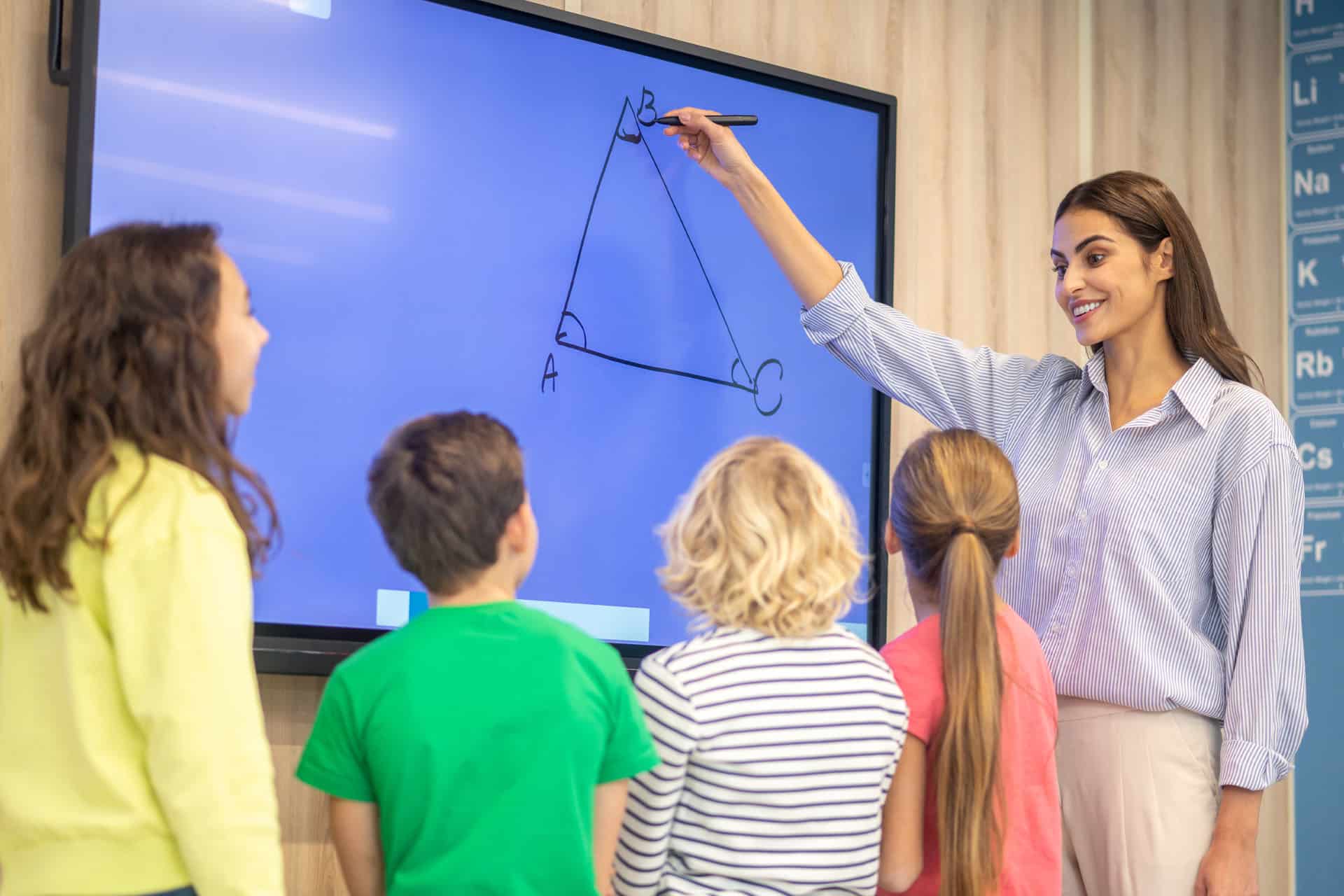
In K–12 environments, Active Learning helps teachers manage small-group instruction while keeping learning visible and structured.

Teachers use Active Learning to:

  • See what each group is working on without walking the room
  • Share student work intentionally to guide discussion
  • Encourage participation while maintaining classroom flow

Active Learning fits naturally into classrooms that already use group tables, stations, or rotating activities—without adding complexity for teachers or IT teams.

Common use cases:

  • Group-based instruction
  • Project-based learning
  • CTE and skills-training labs

Outcomes That Matter

  • For Instructors: Clear visibility into group work, smoother discussions, and stronger student engagement.
  • For IT Teams: Simple deployment, predictable infrastructure, and fewer specialized systems to support.
  • For institutions: A cost-effective, scalable way to support collaborative instruction—room by room.
college students using ScreenBeam devices

Active Learning builds on ScreenBeam’s wireless display foundation—turning classroom displays into shared learning surfaces where participation becomes part of instruction.

Connect With Us