
How to Wirelessly Share Your Laptop Screen to a Classroom Projector
You know the drill. You have a great lesson planned, but your laptop is physically tethered to the wall or a podium by a six-foot HDMI cable. To show a slide, you have to stand there. To help a student in the back row, you have to stop presenting.
Everything slows down when you’re stuck at the front of the class.
The Dongle Dilemma
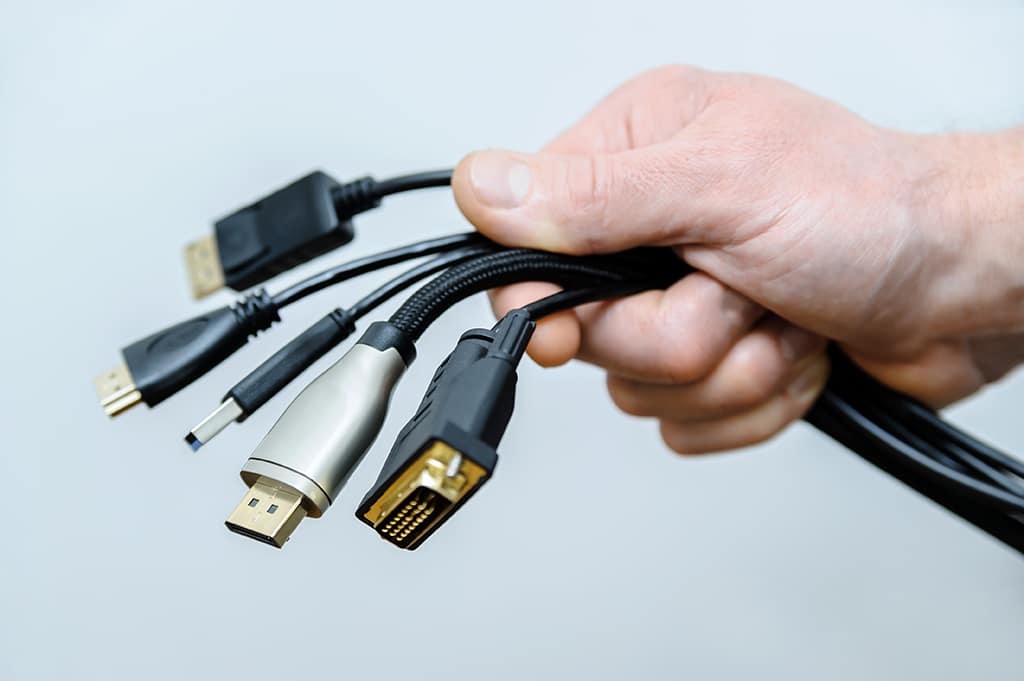
Beyond the pedagogical limits, wired connections create a logistical nightmare regarding compatibility. Every device seems to need a different port. You end up carrying a bag full of white plastic adapters.
- USB-C to HDMI.
- Lightning to HDMI.
- Mini DisplayPort to HDMI.
- VGA to HDMI.
If you lose the specific dongle you need, or if a pin gets bent inside your bag, the lesson stops before it begins.
We see districts spending thousands annually just replacing these adapters. IT staff have to run to classrooms with backup dongles. Teachers have to put the lesson on hold to search for a specific cable. You need a way to present from anywhere in the room without worrying about whether your adapter is going to work today.
Stop Buying Cables
Eliminate the clutter and frustration of wired connections today.

See the Difference
See how wireless freedom changes the classroom dynamic.
Wireless Freedom Without the App Headache
Many solutions require you to plug in a proprietary dongle or force IT to install special software on every single device. This creates a new set of problems when the hardware gets lost or the software needs an update.
ScreenBeam takes a different approach. We believe the best app is no app at all.
Native Connections Are the Answer
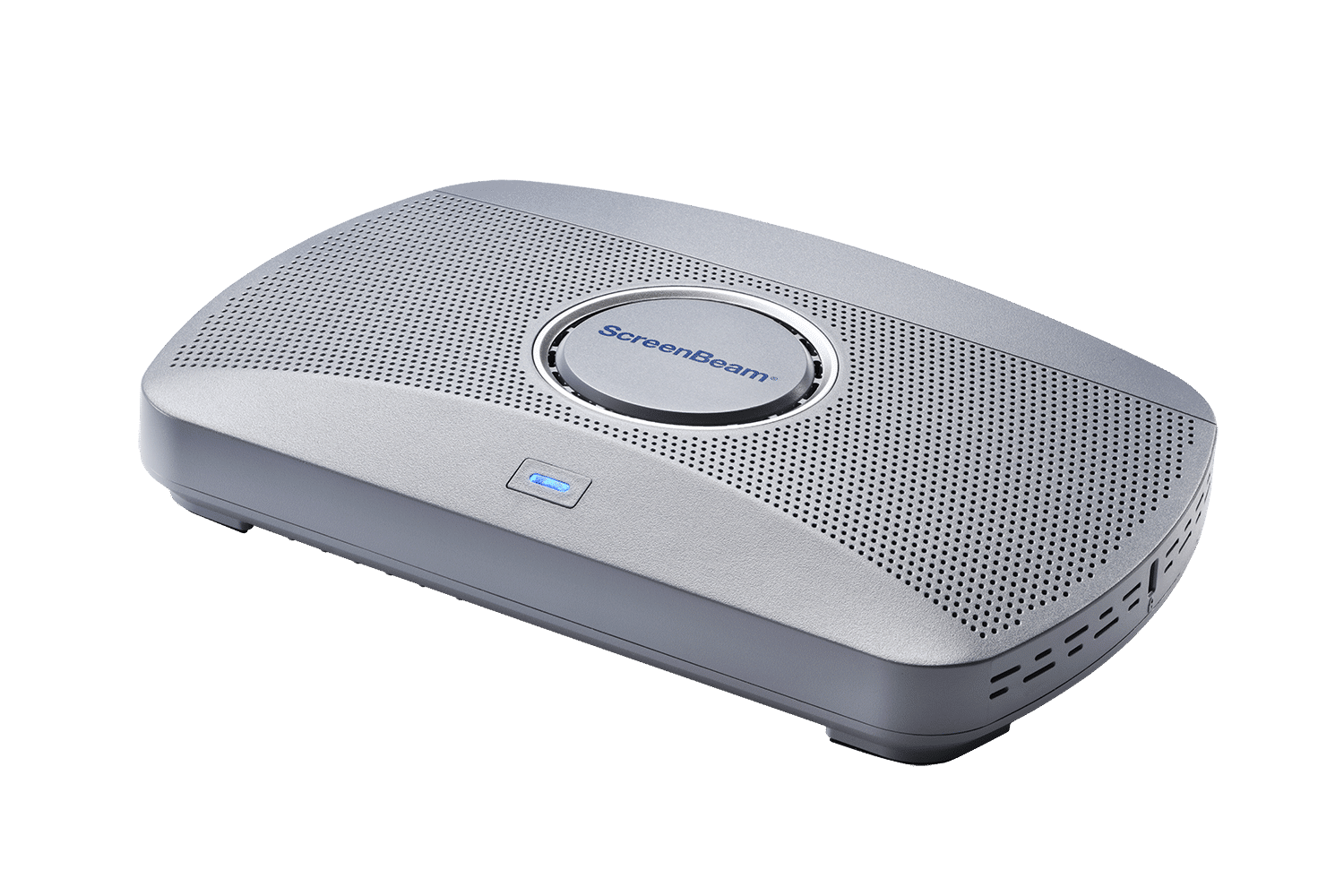
Our receivers hook directly into your existing classroom projector via HDMI. If you have older legacy projectors, we support those too with standard adapters. Once connected, the ScreenBeam acts as a universal receiver. It speaks the language your devices already know.
- If you have a Windows laptop, you use Miracast.
- If you have a MacBook or iPad, you use AirPlay.
- If you have a Chromebook, you use Google Cas
ScreenBeam makes it simple. Open the native menu on your device. Select the room display. And it connects instantly.
Guest speakers or substitute teachers can walk in and present immediately without calling the help desk.
Wireless Deployment That Actually Makes Sense
Integrating wireless display capabilities to your school doesn’t require complex and costly updates to your network infrastructure. ScreenBeam supports Miracast over Infrastructure (MS-MICE), which routes heavy video traffic over a specific network and keeps discovery quick and simple.
Engineered for Education
For student networks, we offer multi-network architecture that isolates guest traffic from your secure school records. This gives your network architects flexibility while ensuring teachers get a reliable connection every time.
- Zero-Latency Inking: With Ghost Inking™ technology, writing on a touch-enabled display from a Windows device feels instant. The ink flows naturally without the jagged lag that ruins other wireless setups.
- Orchestrate Learning: Teachers can view up to 50 student screens and push any student’s work to the main projector. This works across Windows and Chromebooks seamlessly.
- Digital Signage: When the projector isn’t being used for a lesson, it doesn’t have to sit idle. It can display school announcements, cafeteria menus, or emergency alerts via built-in HTML5 digital signage capabilities.
Bring Your Classroom Display To Life
Discover why ScreenBeam is the standard for modern classrooms.
Creating a Classroom That Moves With You
Imagine a classroom where the technology is invisible. You walk in, your laptop connects automatically, and you start teaching from the center of the room.
You stand next to a student who is struggling with a math problem and project their screen to the board so the whole class can learn from the solution together. This is untethered teaching.
By removing the physical barriers, you create an active learning environment where proximity control is easy, and engagement stays high. You are no longer anchored to the front. You are mobile, responsive, and effective.
The projector becomes a tool for collaboration rather than just a passive screen for slides. ScreenBeam makes this transition simple, secure, and sustainable for districts of any size.