Screenbeam

Finally, Classroom Tech That Gets Out of Your Way

Your prep time shouldn’t be spent troubleshooting. Between hunting for the right adapter, waiting for apps to load, and calling IT because the projector won’t recognize your tablet, you’re losing precious minutes that belong to your students.

ScreenBeam transforms any classroom display into a wireless hub that connects instantly—from your laptop during morning announcements, your tablet while circulating during group work, or student Chromebooks during presentations. No downloads, no passwords, no “please wait while this loads.”

Just walk in, connect wirelessly in under 10 seconds, and teach the way you want to teach. Your lesson plans stay intact. Your momentum stays strong. Your sanity stays protected.

Higher Education illustration

Your Devices Work. Your Movement Matters. Your Teaching Flows.

ScreenBeam connects everything instantly—that district laptop with the cracked screen, your personal iPad with lesson resources, student devices for presentations, and visiting teacher tablets for PLC meetings. Wireless casting happens in seconds using each device’s built-in capabilities.

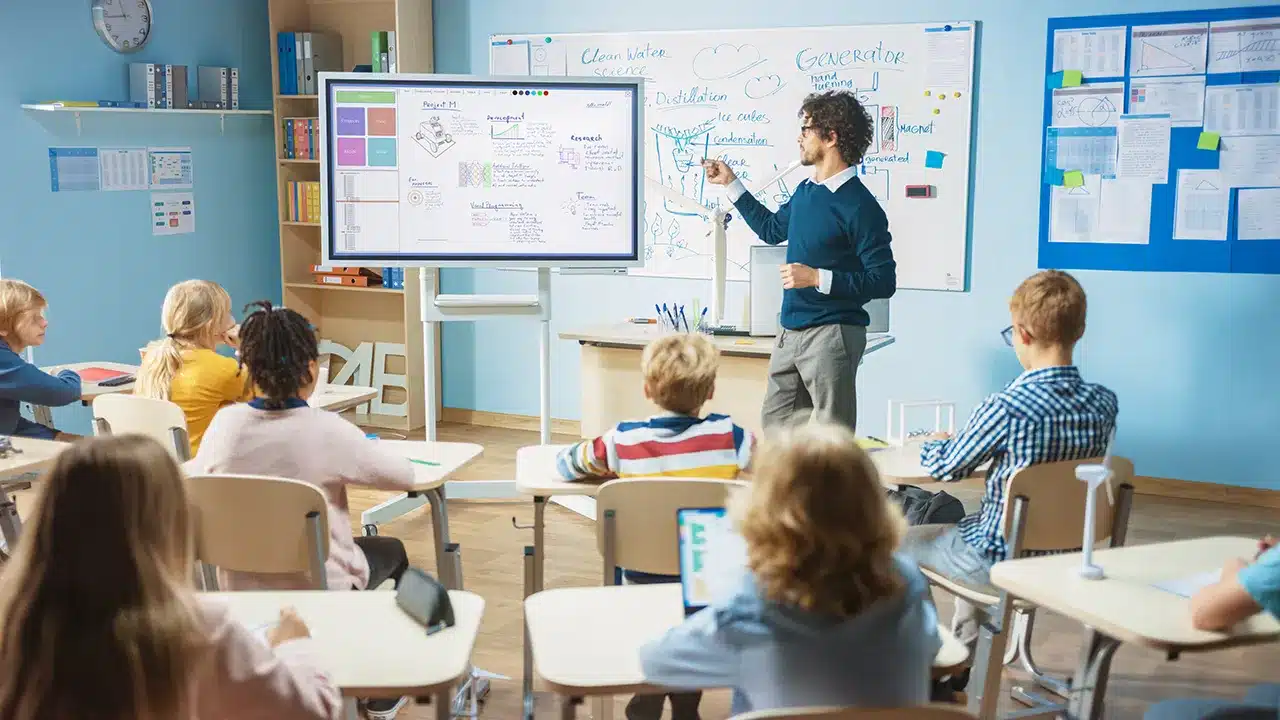
Move around during instruction without losing your screen connection. Annotate student work in real-time from anywhere in the room. Let shy students share from their seats while confident presenters take the front. The technology follows your teaching style instead of forcing you to adapt to rigid setups.

Built specifically for classroom realities: 30+ devices in range, unreliable WiFi some days, mixed operating systems, and the need for everything to work immediately when the bell rings.

Mobile Teaching Freedom

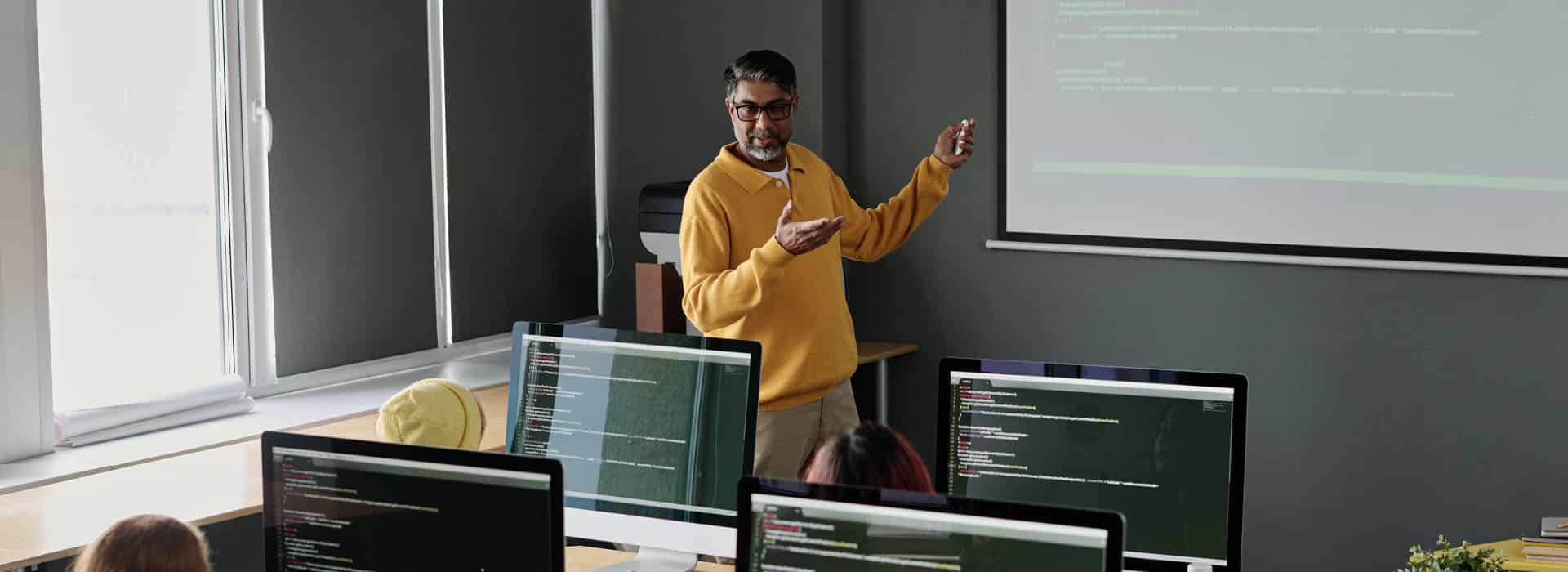
professor teaching to students in a classroom

Student Engagement Tools

ScreenBeam Partners

Monday Morning, Zero Learning Curve

Your ScreenBeam receiver connects to your projector or interactive board via HDMI. Network setup takes five minutes during your prep period. By first bell, every device in your room connects wirelessly—automatically.

person casting data to other users using a ScreenBeam device

Week One Reality

  • Students present from Chromebooks without borrowing your laptop
  • You annotate math problems while walking the room during guided practice
  • Guest speakers connect their devices without technical delays
  • Emergency announcements appear silently on your screen instead of disrupting instruction
college students using ScreenBeam devices

Month One Impact

  • Lesson pacing improves when tech transitions disappear
  • Student participation increases when sharing becomes effortless
  • Your stress decreases when classroom technology simply works
  • Professional development focuses on pedagogy instead of troubleshooting

No training sessions. No password management. No compatibility charts. Just wireless display that works like classroom technology should have from the beginning.


Reclaim Your Classroom. Reclaim Your Time.

Great teaching happens when technology disappears. ScreenBeam delivers wireless classroom tools that connect instantly, work reliably, and enhance instruction without demanding constant attention.

Ready to teach without tech stress? Let us show you how wireless display technology can support your best teaching while giving students the seamless, engaging classroom experience they deserve.

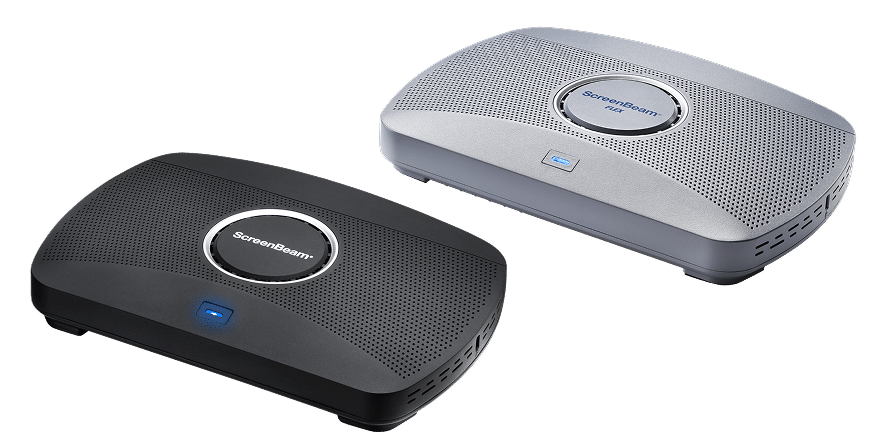
ScreenBeam 1100 Plus & FLEX