
Mirroring Your Phone to a Conference Room TV
You walk into a conference room with a great idea on your phone. You need to get that idea onto the big screen immediately.
Then the panic sets in.
You look for a cable that fits your phone. You hunt for a dongle that might be missing or broken. You might even have to download a third-party app while ten people watch you struggle with the guest Wi-Fi password.
The momentum of the meeting dies before you even say your first word.
This friction is the enemy of productivity. The best way to mirror your phone to a conference room TV is not about buying more adapters or forcing users to learn new software. It is about using the technology you already have in your pocket.
Your phone already knows how to share its screen. The challenge is simply giving the TV the ability to listen.
No More Dongles
See how app-free wireless display keeps your meetings moving.
Keep Meetings Streamlined
Find the right solution for your specific conference room setup.
Native Mirroring Is the Professional Standard
The most effective solution ignores proprietary apps entirely. It embraces “native” screen mirroring.
Every modern smartphone comes with a built-in protocol for wireless display. Apple devices use AirPlay. Android devices use Google Cast or Miracast. These are robust, OS-level technologies designed to work perfectly with the device’s hardware.
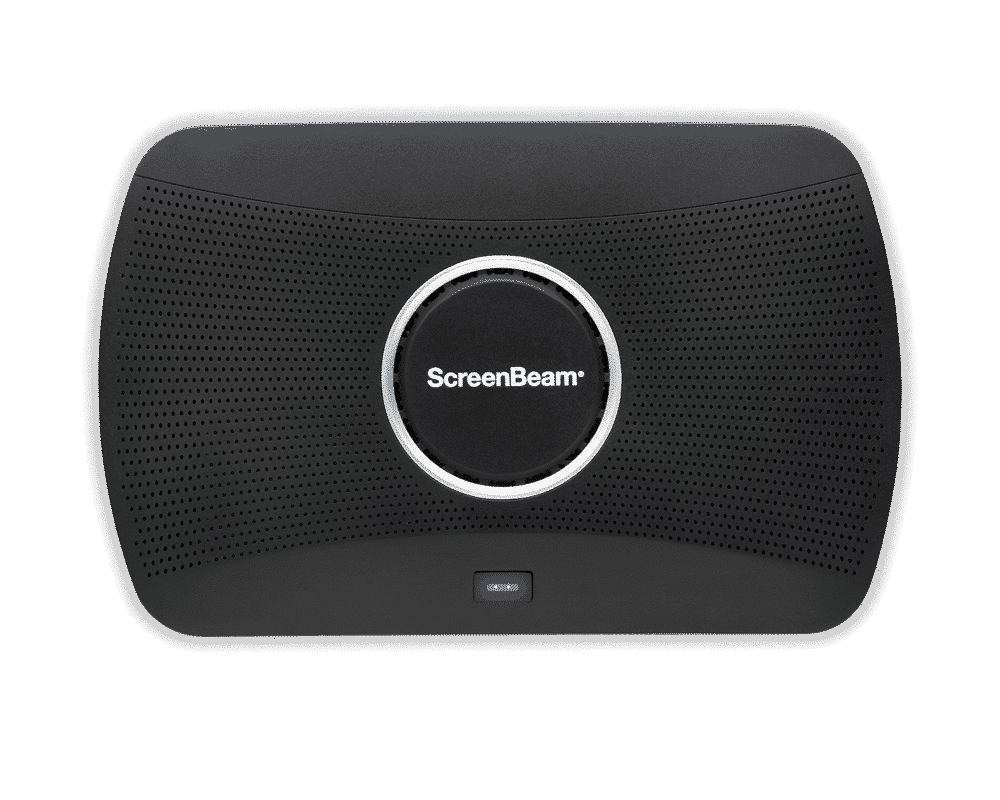
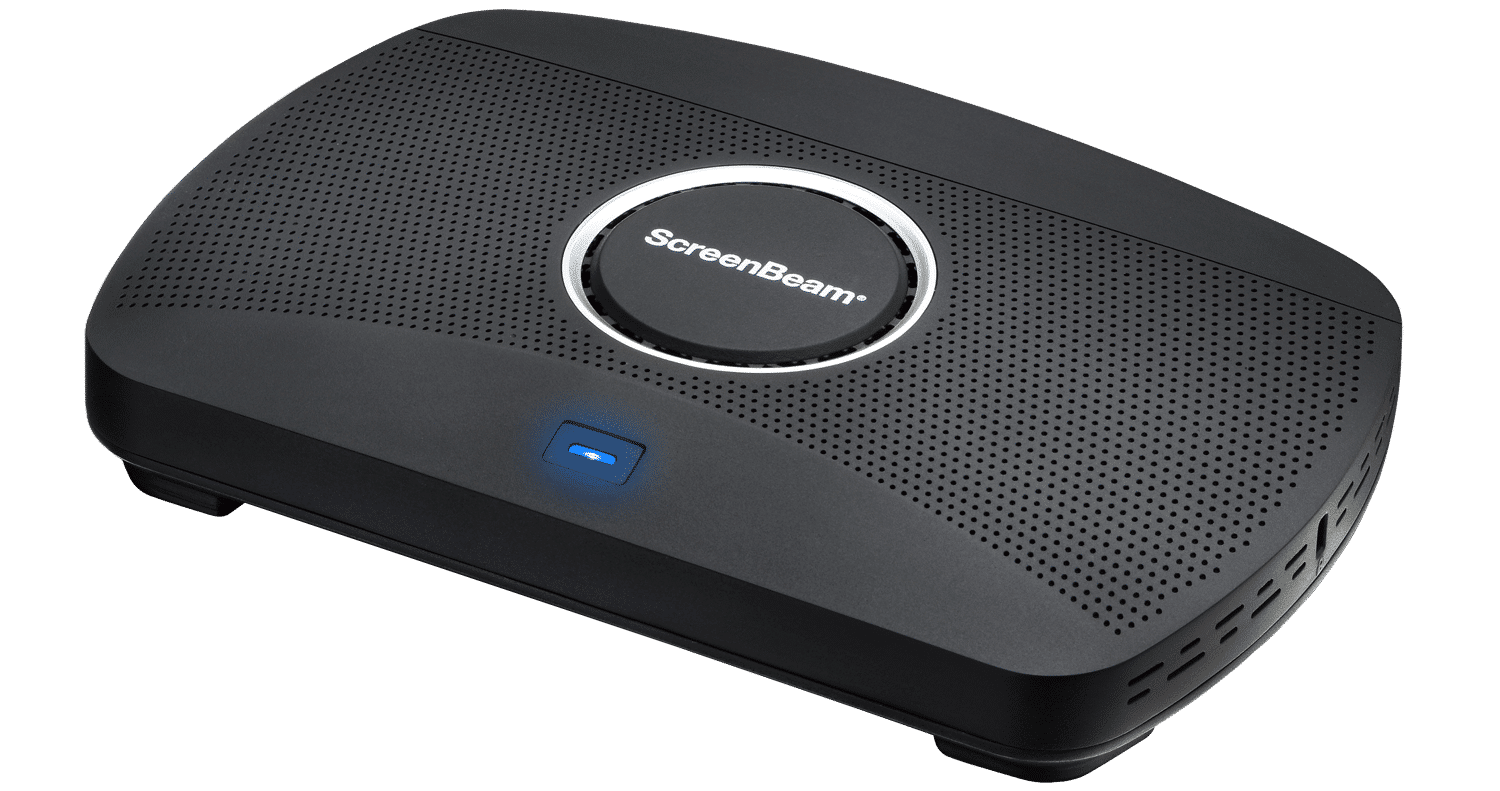
ScreenBeam acts as a universal receiver for all of these protocols.
It bridges the gap between your phone and the conference room TV without requiring a single software installation.
You simply swipe down on your phone, tap the screen mirroring icon, and select the room display.
It’s that simple.
What You Can Expect From an App-Free Workflow
Implementing a native wireless display solution changes the daily rhythm of your office. The first thing you will notice is the speed.
Guest presenters can walk in and connect immediately. There is no need to call the helpdesk for a dongle or a password. The ScreenBeam receiver handles the connection invisibly.
Here is how it looks in practice:
- For iPhone Users: They connect to the Wi-Fi, swipe to open the Control Center, tap the Screen Mirroring icon, and select the room name. The content appears instantly.
- For Samsung/Android Users: They pull down the Quick Settings menu and tap Smart View or Cast. The system detects the ScreenBeam receiver as a wireless display and connects directly.
- For Guest Security: The receiver can isolate the connection. The guest connects directly to the device using a peer-to-peer signal. Their data never touches your secure internal corporate network.
This keeps your data safe while giving the guest full freedom to present.
Turn Every Meeting into a Collaborative Success
The result of removing cables and apps is a meeting culture that focuses on content rather than logistics.
Users stop worrying about the technology and start focusing on the discussion.
You eliminate the awkward silence while someone fumbles with an HDMI adapter.
You gain the ability to share photos, documents, or live mobile apps directly from the device in your hand.
This shift also improves the physical space. Conference tables are no longer cluttered with a tangle of cords and dongles. The room looks cleaner and more professional.
Most importantly, you empower everyone in the room to participate. When sharing a screen is as easy as tapping a button, more people share their ideas. That is how you turn a standard meeting room into a true collaboration space.