Products / ScreenBeam Administrative Tools Bundle
ScreenBeam Administrative Tools Bundle
Turn Every Display Into a Communication Endpoint
SKU#: (US) ADMTOOLSOOO [$999.99], (CAN) ADMTOOLSOOOCA [$849.99]
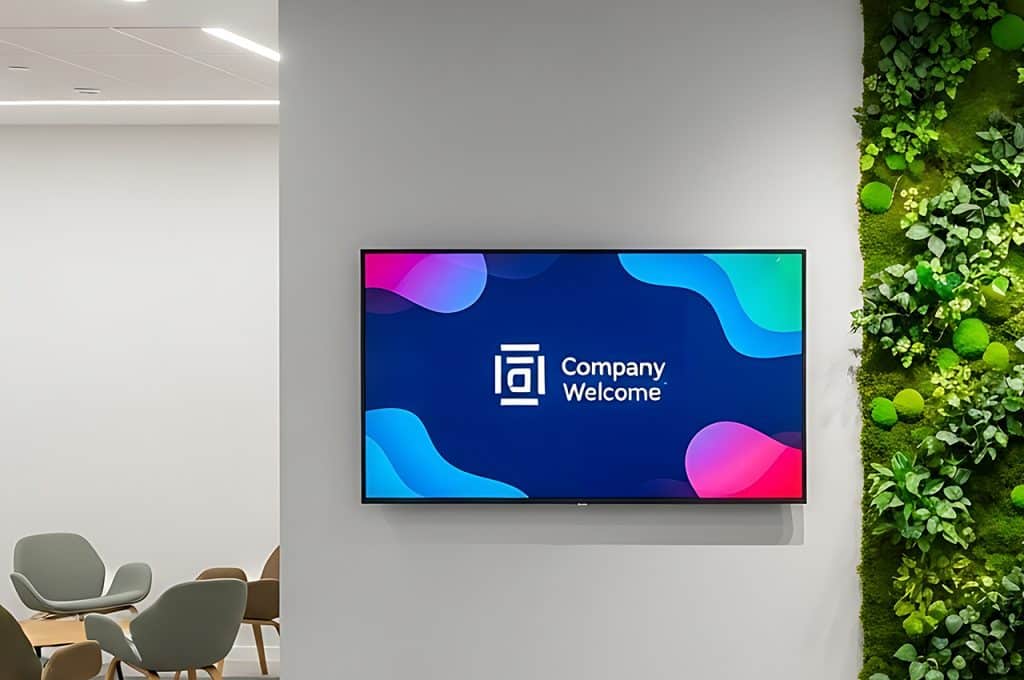
Administrative Tools transform ScreenBeam wireless display into a unified communication platform—delivering digital signage, routine messaging, and emergency alerts across every connected screen from one cloud console.
No standalone signage players. No separate alerting infrastructure. No fragmented communication systems.
Built for IT teams, administrators, and safety staff, Administrative Tools extend the value of existing ScreenBeam deployments without adding operational complexity.

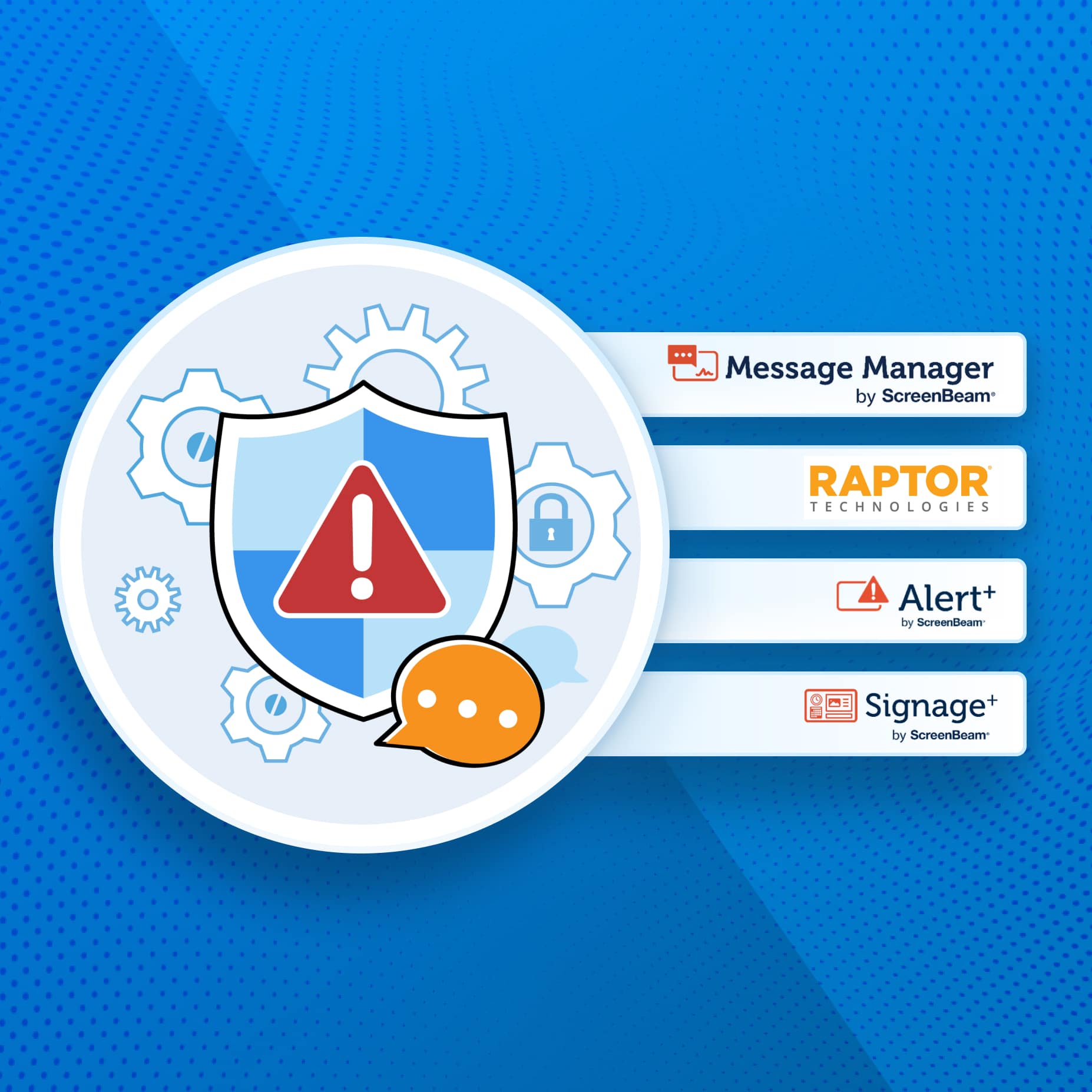
One Platform. Three Administrative Tools.
Schedule and manage digital signage across ScreenBeam-connected displays. Supports Canva, Google Slides, PowerPoint, HTML5, video, and live data feeds.
Send non-emergency messages to individual rooms, groups, buildings, or entire campuses. Ideal for announcements, schedule changes, and operational updates.
Deliver emergency alerts that instantly override active content across every screen. Integrates with Raptor Technologies, Centegix, Singlewire InformaCast, and CrisisGo.
All three tools are managed through one cloud console with role-based access, giving IT centralized control while allowing departments to manage their own communication workflows.
How it Works
Administrative Tools activate directly on existing ScreenBeam receivers—no additional hardware, software installs, or dedicated signage players required.
Signage+ delivers scheduled content to displays throughout the day—announcements, menus, event information, branding.
Message Manager pushes targeted, non-emergency updates to specific rooms or groups as needed.
When an emergency occurs, Alert+ overrides everything—every screen shows the alert instantly.
After the all-clear, displays return to their normal signage and messaging schedule automatically.
One platform. One console. Every screen accounted for.
Why Standalone Signage Systems Fall Short
Most organizations manage communication through disconnected systems:
- Separate signage platforms
- Dedicated signage players
- Independent emergency notification systems
- Multiple dashboards and vendors
Administrative Tools simplify everything by turning existing ScreenBeam-enabled displays into managed communication endpoints.
Instead of layering additional systems onto existing infrastructure, organizations can manage signage, messaging, and alerts from a single platform already deployed across classrooms, meeting rooms, and shared spaces.
- No additional hardware
- No additional vendors
- Independent emergency notification systems
- No unused displays sitting dark between meetings or classes
Designed for Operations—Not Just Content
Administrative Tools are built for the people who keep campuses and organizations running: IT administrators, front office staff, facilities teams, and safety officers. The tools are not a content marketing platform or a consumer-grade signage product. They’re operational infrastructure.
Role-based access ensures the right people manage the right content. IT controls the platform. Administrators manage messaging. Safety teams own alerting. Nobody has to wait for IT to post a snow day announcement or update a cafeteria menu.
What Administrative Tools Make Possible
Reach every screen, not just the ones in hallways.
Traditional signage stops at lobbies and corridors. Administrative Tools reach classrooms, conference rooms, and shared spaces—anywhere a ScreenBeam receiver is connected.
Consolidate three systems into one.
Signage, routine messaging, and emergency alerting from a single cloud console. One vendor. One login. One management layer.
Deploy without new hardware.
If ScreenBeam receivers are already installed, Administrative Tools activate with a license and a firmware update. No additional players, no additional wiring.
Respond instantly in emergencies.
Alert+ overrides all active content across every screen simultaneously. Integrations with Raptor Technologies, Centegix, Singlewire InformaCast, and CrisisGo mean alerts can trigger automatically from existing safety platforms.
Keep displays working when no one is presenting.
Screens that would otherwise sit idle between meetings or classes become active communication surfaces—displaying signage, announcements, and real-time information.
Scale without complexity.
Add displays incrementally. Manage one building or an entire district from the same console. Role-based access grows with the organization.
Designed for Real Environments
K–12 Education
Centralize communication across classrooms, cafeterias, hallways, and front offices without deploying separate signage systems.
Common use cases:
- Daily announcements
- Cafeteria menus
- Schedule changes
- Event promotion
- Visitor wayfinding
- Alyssa’s Law and CAP compliance
- Emergency alerts
Higher Education
Unify communication across large campus environments while simplifying AV and IT operations.
Common use cases:
- Campus-wide signage
- Room-specific announcements
- Operational updates
- Event communication
- Emergency notification
- AV operations consolidation
Enterprise
Extend communication into meeting rooms, huddle spaces, lobbies, and shared environments that traditional signage and email often miss.
Common use cases:
- Daily announcements
- Cafeteria menus
- Schedule changes
- Event promotion
- Visitor wayfinding
- Alyssa’s Law and CAP compliance
- Emergency alerts
Outcomes That Matter
For IT Teams:
One platform instead of multiple communication systems. Fewer vendors, fewer devices, and centralized control.
For Administrators:
Direct access to communication tools without depending on IT for every update.
For Safety Teams:
Instant screen-wide emergency alerts integrated into existing safety workflows.
For Organizations:
Higher ROI from existing ScreenBeam deployments with simpler, more unified communication infrastructure.