ScreenBeam Signage+
Turn Every Display Into a Communication Hub
Seamlessly share the right content in the right place at the right time, without the cost or complexity of traditional signage.
Signage+ is more than digital signage. As part of ScreenBeam’s Administrative Tools, it works seamlessly with Alert+ and Message Manager to bring daily communication, emergency alerts, and digital displays together in one complete solution.
Product Highlights
- Deliver content across any ScreenBeam-connected display
- Support for videos, images, widgets, and scrolling messages
- Real-time updates and flexible scheduling for targeted communication
- Canva integration for simplifying content creation
ScreenBeam Administrative Tools Bundle
The Administrative Tools bundle unifies Signage+, Alert+, and Message Manager into one platform, simplifying communication across every ScreenBeam-equipped display. Together they create a complete network for daily updates, urgent alerts, and digital signage while delivering the right message to the right screen at the right time.
Features built for impact, designed for simplicity
Signage+ gives every user the tools to communicate clearly and manage content with ease. From content creation to deployment, every feature is designed to remove friction and amplify clarity.
- Drag-and-Drop Editor: Create and manage content with an intuitive interface anyone can use.
- Multi-Zone Layouts: Up to four display zones per screen with preset templates, including ticker and widgets.
- Canva Integration: Direct access to your Canva folders and editor — no re-uploading or downloading.
- Cloud-Based Console: Manage displays from anywhere: office, school, home, or on the go.
- Targeted Messaging: Assign content by group, location, or role for highly relevant communications.
- Advanced Scheduling: Playlists, widgets, and visual content can all be scheduled in advance.
- Conflict Checker: Prevents overlaps so your messaging is clean and consistent.
- Role-Based Access Control: Enable IT, admins, and staff to collaborate with confidence and boundaries.
Use Cases Where Signage+ Shines
- In Schools: Highlight student achievements, promote events, share reminders, or update staff — without pulling IT away from other priorities.
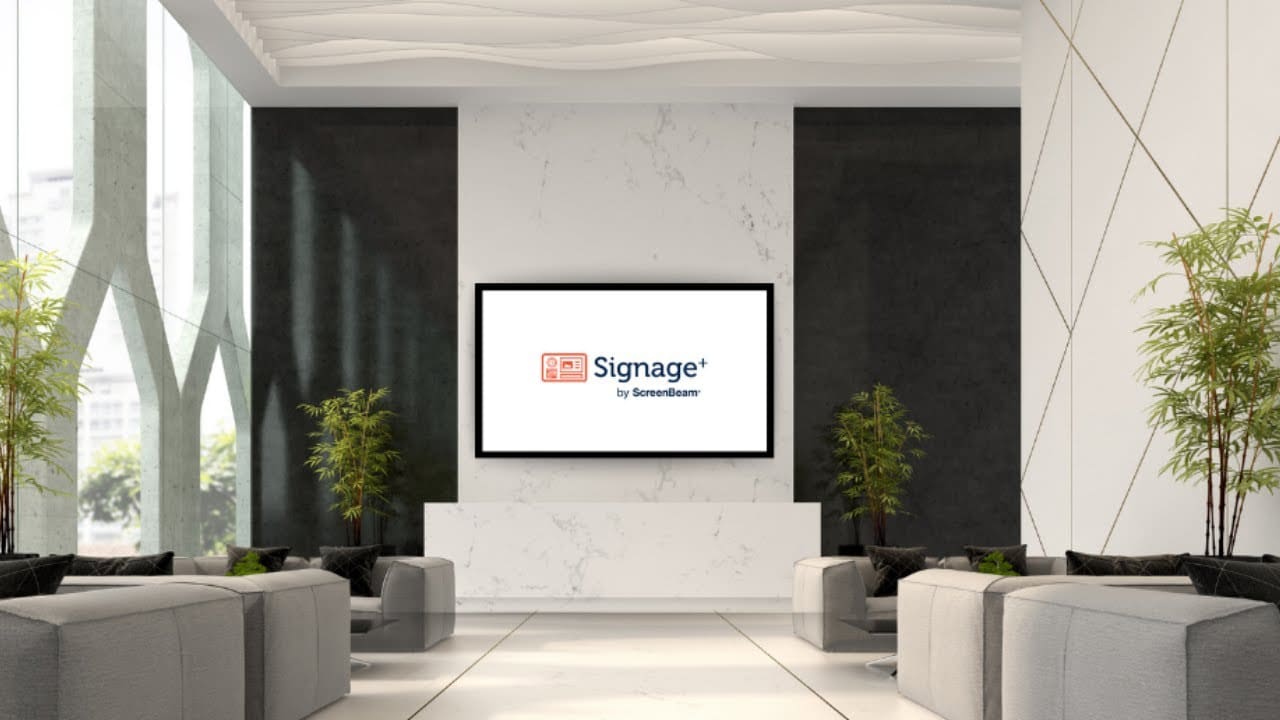
- In Corporate Offices: Greet visitors in lobbies, rotate pre/post meeting messaging, display company news in shared spaces — all from one platform.
- For Events + Wayfinding: Display maps, countdowns, agendas, or directional signage that adjusts by the hour or the room.
- For Safety + Compliance: Push health reminders, daily announcements, or emergency alerts via Alert+ with signage as your trusted display system.
Compatibility
- Works with all ScreenBeam 1xxx and higher receivers
- Integrated with Message Manager and Alert+ as part of the Administrative Tools Bundle
- Supports images, videos, PDFs, URLs, and widgets like calendar, clock, ticker, weather
- Browser-based control — no software install needed
- Fully cloud managed with secure role-based permissions
Compatible Hardware
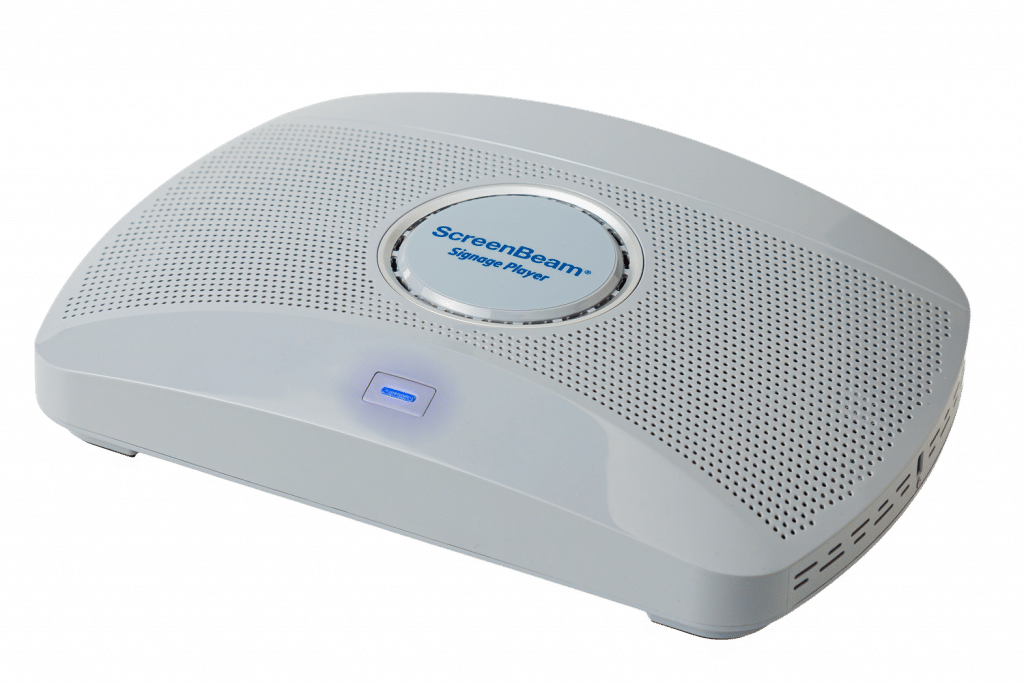
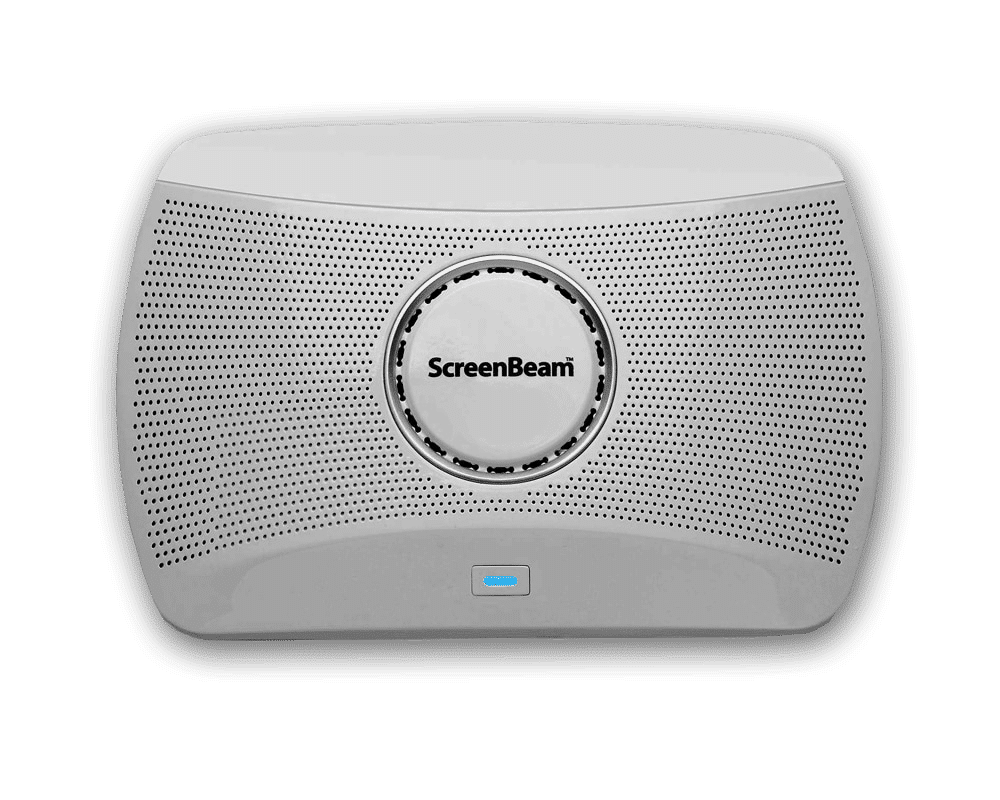
- ScreenBeam 1000 series receiver (firmware version 11.x.18.6 or higher)
Compatible Software
- CMS Enterprise version 4.4.15 or higher
- SB Cloud platform connected to ScreenBeam CMS-E
- HDTV/Projector with available HDMI or VGA port
Required License
- ScreenBeam Administrative Tools
| Document Name | Download | ||
|---|---|---|---|
| Deployment Guide | 1.0 |
– |
Download |
How It Works
Import. Schedule. Display. Control.
From file to screen in four steps — your content, exactly when and where you want it.
Setup Is Simple
If you have a ScreenBeam 1xxx or higher device, you’re ready.
Just activate Signage+ through the cloud console, assign access, and begin creating content.
Canva integration makes design easy, and the centralized dashboard puts scheduling and control at your fingertips.
No apps. No cables. No friction.
Request A Trial
Experience a world where technology fades into the background and meaningful, interactive experiences take center stage.
ScreenBeam needs the contact information you provide to us to contact you about our products and services. You may unsubscribe from these communications at any time. For information on how to unsubscribe, as well as our privacy practices and commitment to protecting your privacy, please review our Privacy Policy.

Schedule A Demo
Experience a world where technology fades into the background and meaningful, interactive experiences take center stage.
ScreenBeam needs the contact information you provide to us to contact you about our products and services. You may unsubscribe from these communications at any time. For information on how to unsubscribe, as well as our privacy practices and commitment to protecting your privacy, please review our Privacy Policy.
Compatible Hardware
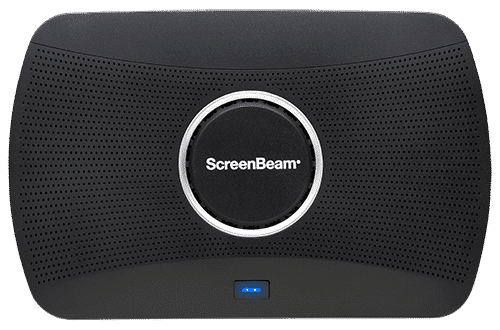
ScreenBeam 1100 Plus
Our flagship wireless display solution for modern workplaces. 1100 Plus enables app-free content sharing from any device and supports all major video conferencing platforms. With flexible deployment and robust security, it’s a perfect fit for conference rooms, collaboration spaces, and hybrid environments.
Ideal for Business and Higher Education
ScreenBeam 1000 EDU Gen 2
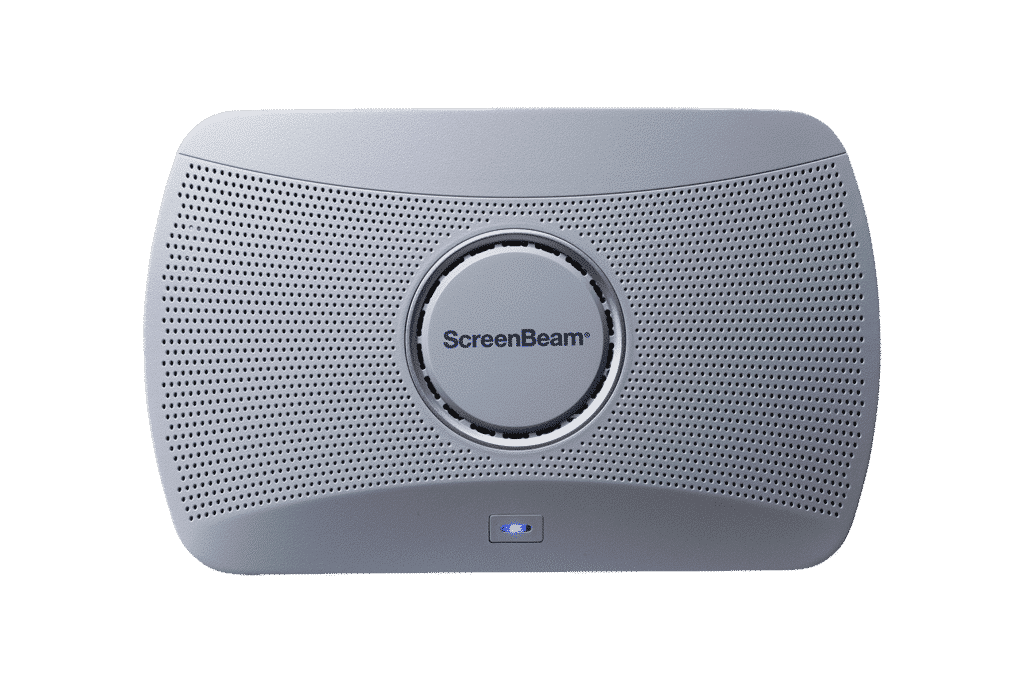
A complete smart wireless presentation and engagement solution built for modern classrooms. The 1000 EDU Gen 2 enables screen sharing from any device, includes a built-in whiteboard for collaboration, digital signage, instant alerts, and more … all in a single solution.
ideal for K-12
ScreenBeam 1000 EDU
The ScreenBeam 1000EDU is a wireless presentation platform that supports app-free screen sharing for Windows, Mac/iOS and Chrome.