
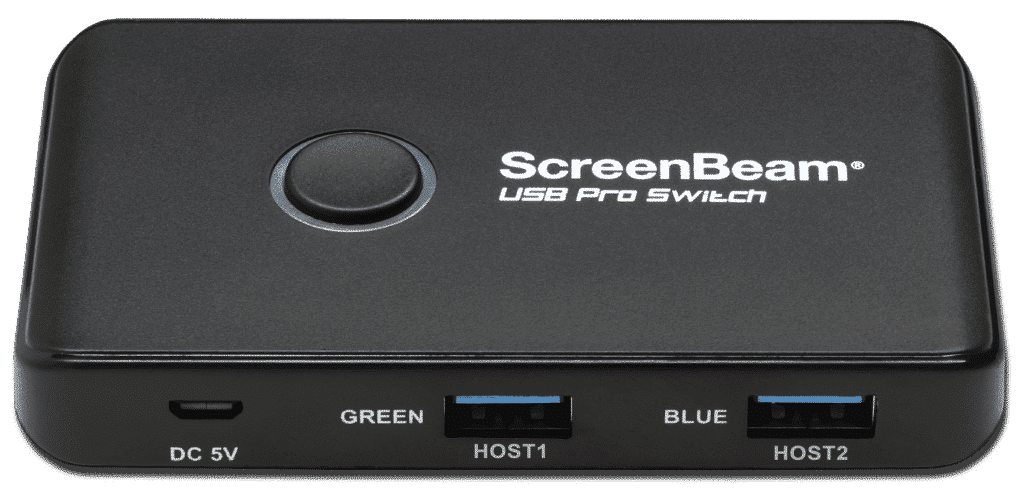
ScreenBeam USB Pro Switch
This product is a companion for ScreenBeam 1100 Plus receiver.
Automated and intelligent room resource switching so Microsoft Teams Rooms can seamlessly co-exist with BYOM and In-Room wireless presentations. Unlock the power of your UC meeting room!
Product Highlights
- Designed for seamlessly AV peripherals sharing
- Works in conjunction with ScreenBeam 1100 Plus conferencing
- Enable other video meetings wirelessly (BYOM)
- Auto-switch from Meeting PC or UC Rooms systems
- Best suited for Microsoft Teams Rooms (MTR) environment
Pair the USB Pro Switch with a ScreenBeam 1100 Plus receiver to turn the existing UC meeting room into a fully flexible meeting space with BYOM meetings. Imagine a Microsoft Teams Rooms (MTR) room now can support other meetings (e.g., Zoom, WebEx and Meet), with the existing In-Room camera and audio, license-free and wirelessly.
Microsoft Teams Rooms
Works with both Windows PC Teams Rooms (MTRoW) and Android appliance Teams Rooms (MTRoA). Tested with the following well known setups:
- NUC + Logitech Tap + USB video bar
- NUC + Logitech Tap + PTZ camera and DSP system
- Logitech Rally Bar series + Logitech Tap
- HP/Poly X-series + Poly TC
In-Room PC
Add to meeting rooms with dedicated PC for video conferencing enable users to share contents from their BYOD and utilize UC meeting existing on their devices.
Wired BYOD
Expand the setup with wireless presentation and conferencing for ultra flexible BYOM.
Interface
- 2 x USB Type-A Host ports
- 4 x USB Type-A Device ports
- 1 x USB micro
Power
- 5v (optional)
- Not required for powered USB peripherals
Physical
- Dimensions: 3.93 x 2.36 x 0.55 inches (100 x 60 x 14 mm)
- Weight: 52g
Warranty
1-year
Case Studies
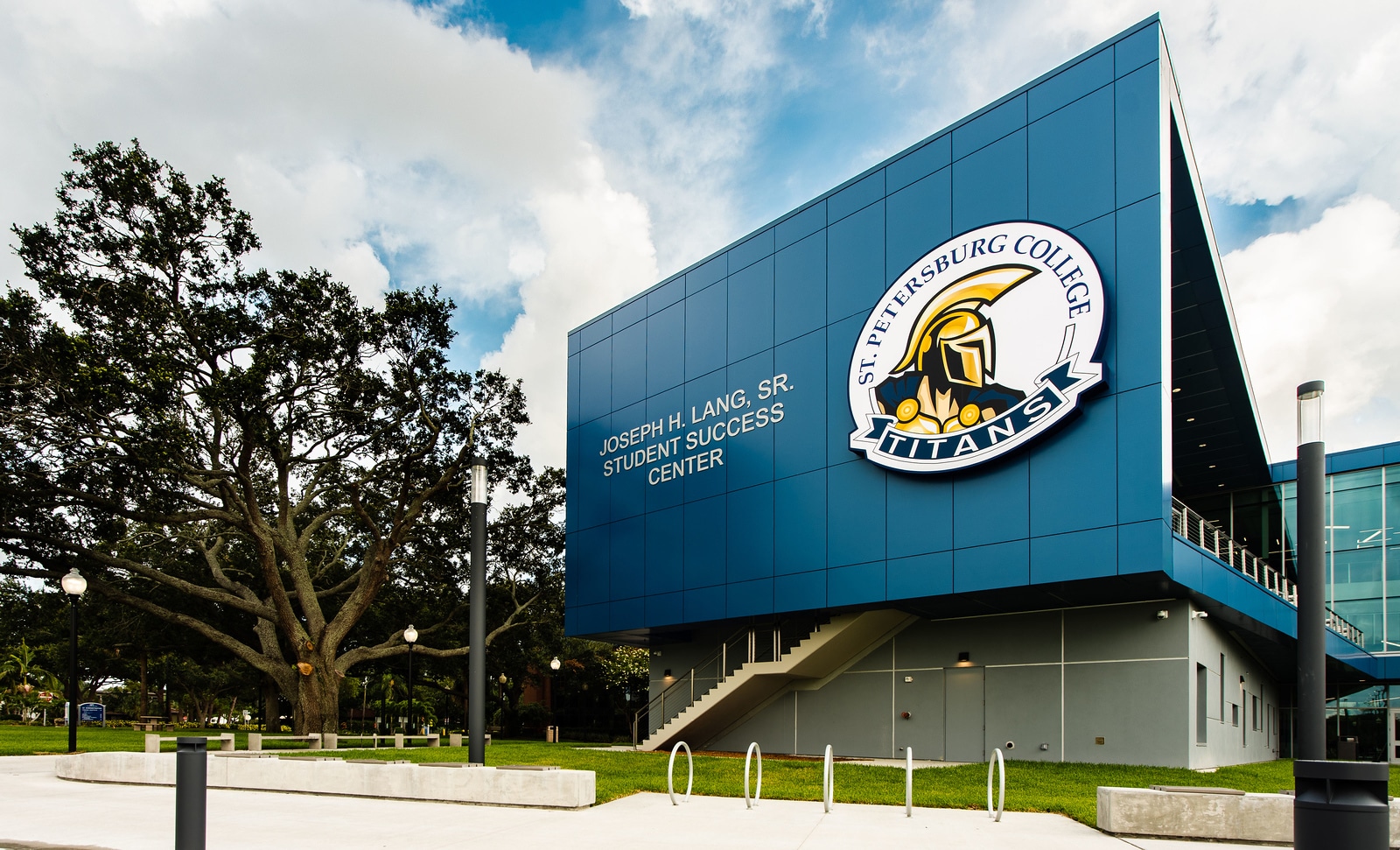
Making a Difference
At St. Petersburg College, ScreenBeam technology has become a cornerstone of the school’s commitment to innovation. Helping create seamless, connected learning environments across its campuses.
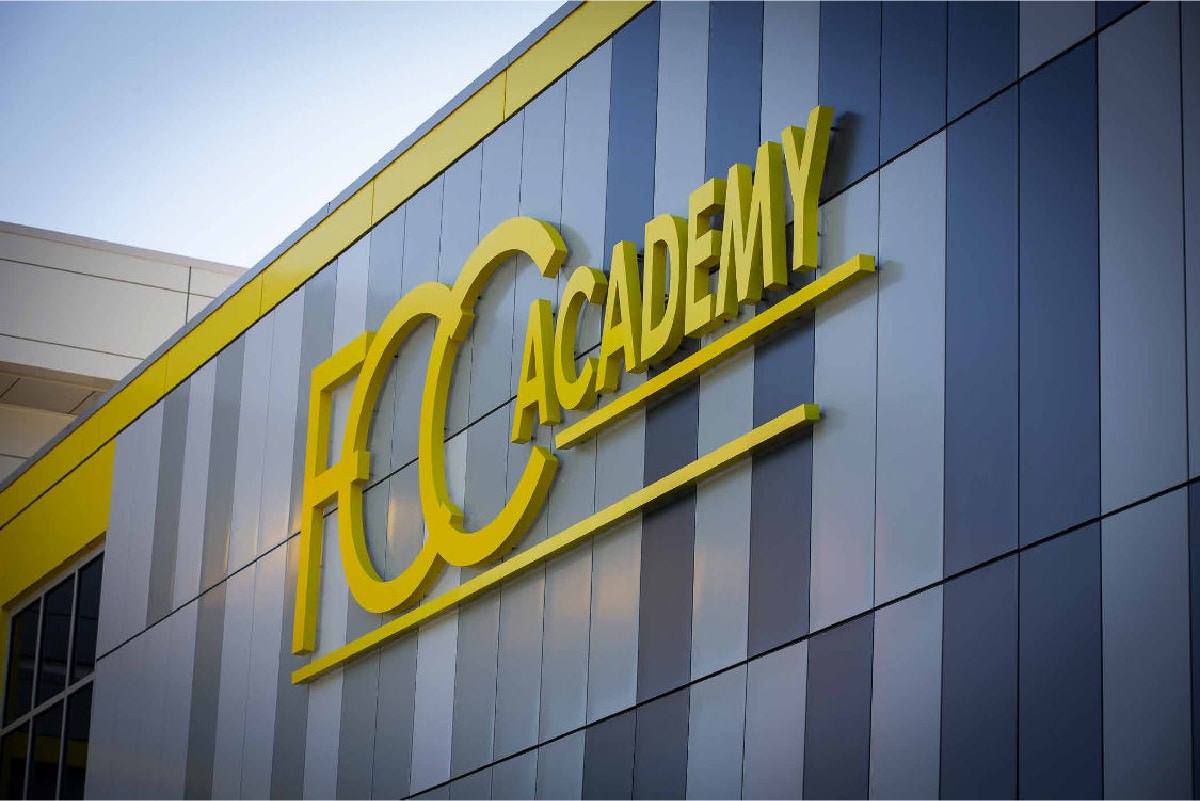
Fostering Success
Flint Cultural Center Academy replaced existing consumer-grade wireless display with ScreenBeam in their classrooms and meeting spaces because of its ability to address a wide array of use cases and meet user experience, remote management and security considerations.
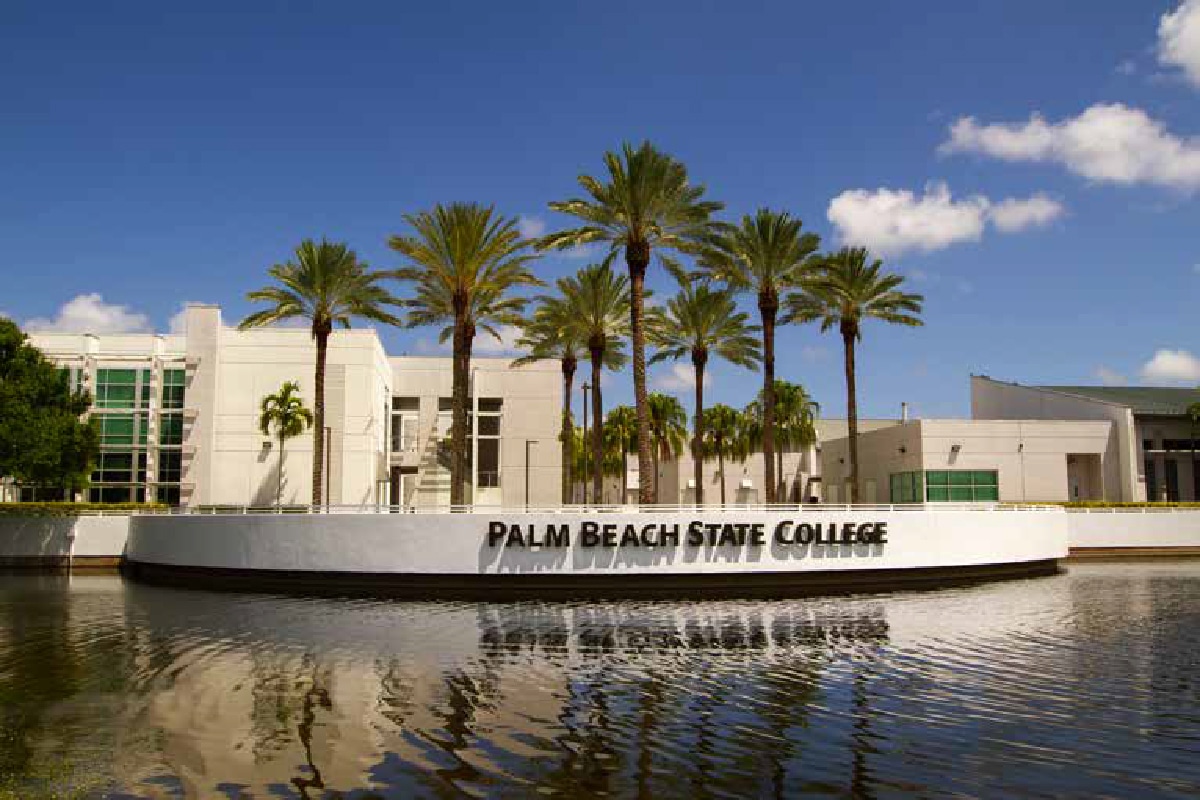
Building a Hybrid Future
Responding to the growing demand for hybrid learning, Palm Beach State College deployed the ScreenBeam 1100P to streamline wireless interactions and better serve the diverse learning needs of their extensive commuter population.
The Need for Collaboration
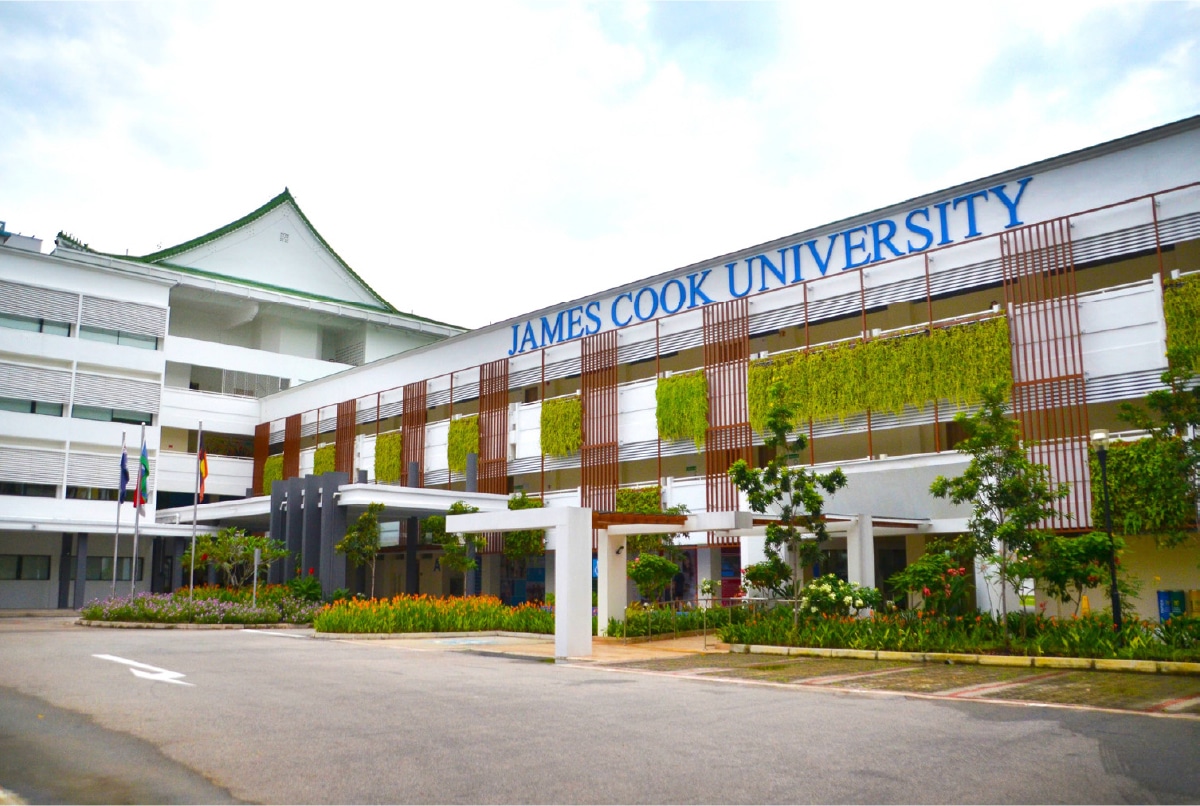
James Cook University moves to hassle-free presentations with ScreenBeam 1100 Plus transforming its classrooms into secure hybrid learning spaces. The result has revolutionized the way staff works elevating team productivity to new levels and positioning the University as an innovation leader in their regions.
Untethered Teaching
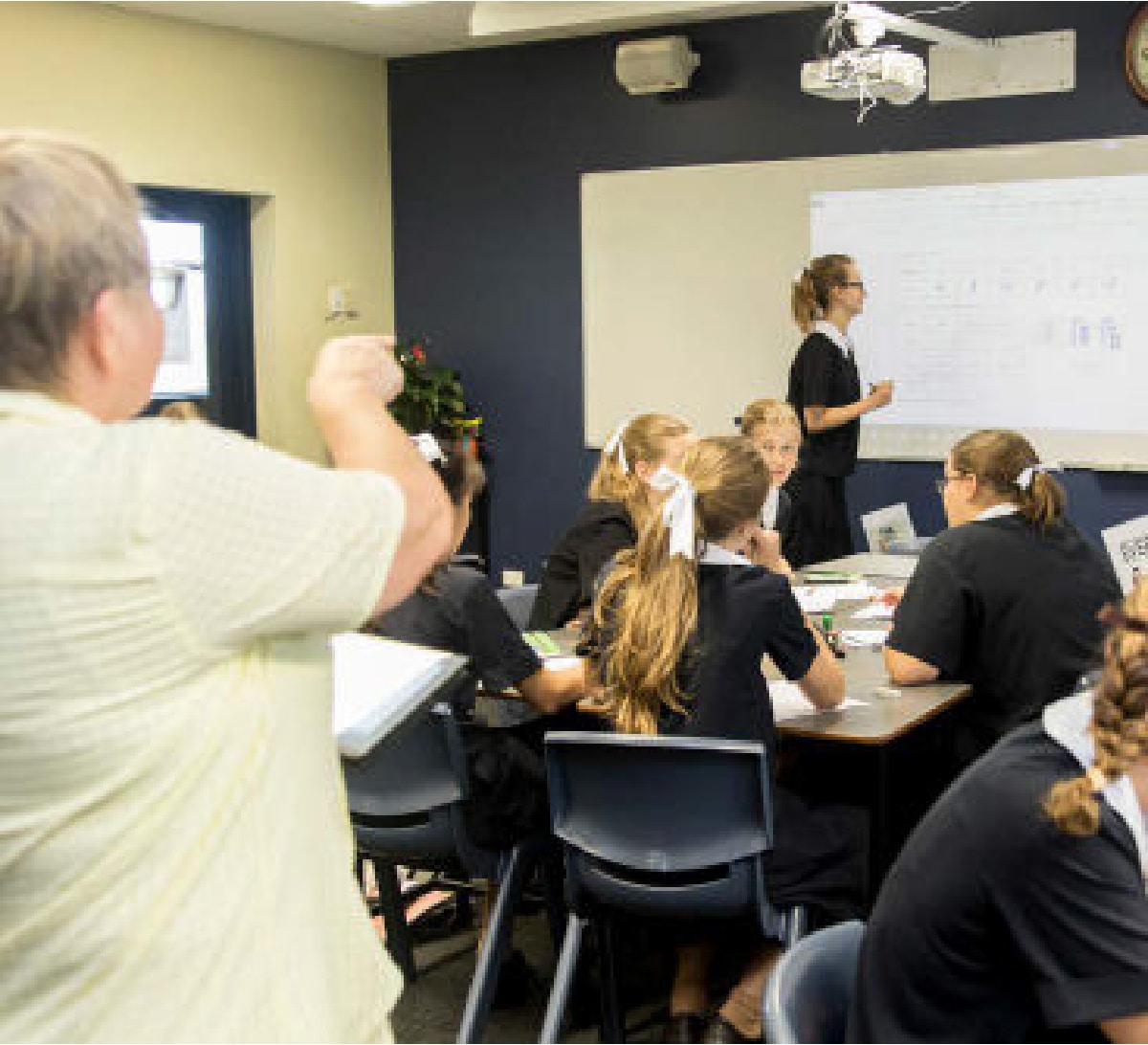
Founded by the Sisters of The Society of the Sacred Advent, both St. Margaret’s Anglican Girls’ School and St. Aidan’s Anglican Girls’ School are situated in the picturesque, leafy suburbs of Ascot and Corinda, Brisbane, Queensland Australia. The schools pride themselves on their excellence in innovative teaching and learning complemented by a broad range of extra-curricular activities.
Request A Trial
Experience a world where technology fades into the background and meaningful, interactive experiences take center stage.
ScreenBeam needs the contact information you provide to us to contact you about our products and services. You may unsubscribe from these communications at any time. For information on how to unsubscribe, as well as our privacy practices and commitment to protecting your privacy, please review our Privacy Policy.
Schedule A Demo
Experience a world where technology fades into the background and meaningful, interactive experiences take center stage.
ScreenBeam needs the contact information you provide to us to contact you about our products and services. You may unsubscribe from these communications at any time. For information on how to unsubscribe, as well as our privacy practices and commitment to protecting your privacy, please review our Privacy Policy.
Related Products
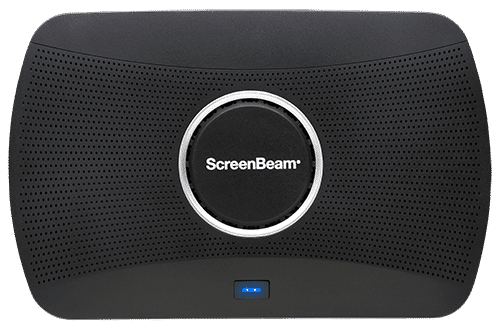
ScreenBeam 1100 Plus
Our flagship wireless display solution for modern workplaces. 1100 Plus enables app-free content sharing from any device and supports all major video conferencing platforms. With flexible deployment and robust security, it’s a perfect fit for conference rooms, collaboration spaces, and hybrid environments.
Ideal for Business and Higher Education