“Of all the solutions being deployed, the ScreenBeam devices had been the easiest to provision and manage”
– Control Systems Programmer
Palm Beach State College
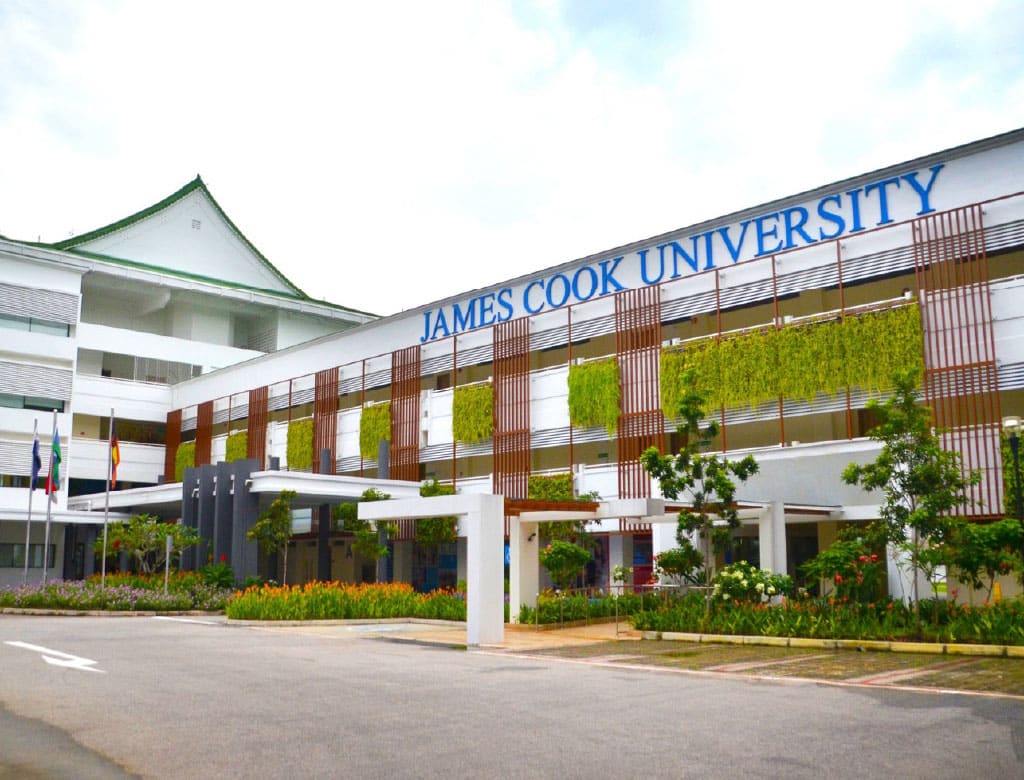
“ScreenBeam has revolutionized how we work. We’ve said goodbye to the hassle of tangled cables and time-consuming setups and entered a new era of wireless collaboration that has taken our team’s productivity to new levels.”
– ICT Assistant Manager,
James Cook University
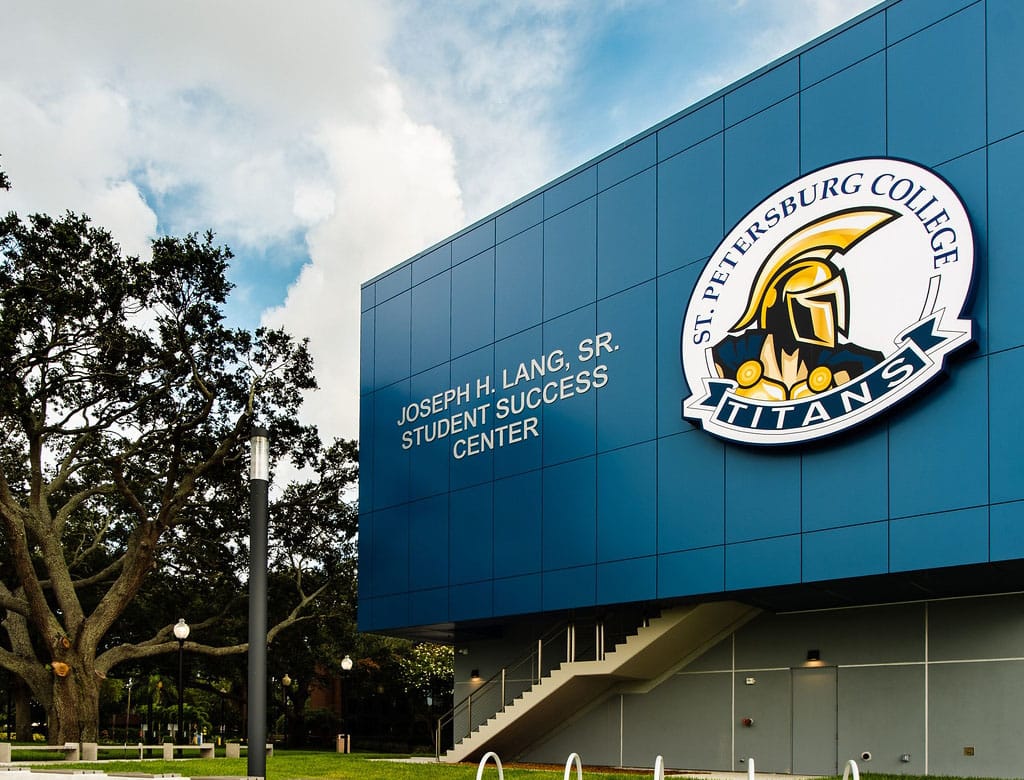
“ScreenBeam devices are critical and now a standard in our classroom technology.”
– AV Systems Coordinator
St. Petersburg College
“Learning to use ScreenBeam was easy, and I picked it up on my first try. The kids found it easy as well and they all know how to press Windows key + K.”
– Principal
Flint Cultural Center Academy
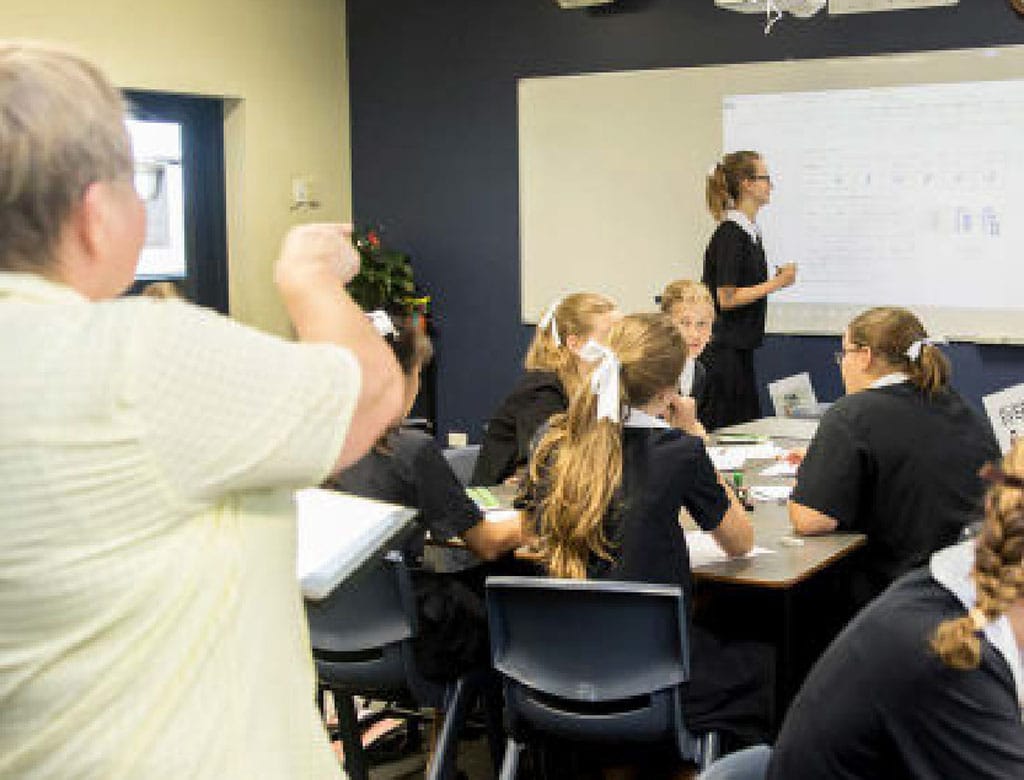
“ScreenBeam gave us the ability to move away from the traditional ‘chalk and talk’ teaching model where teachers are positioned at the front of the room. Our teachers can now fluidly inhabit their entire classroom space—while interacting with the content being displayed.”
– Head of eLearning & Research
St. Margaret’s Anglican Girls’ School
Simplify Every Classroom Connection
App-free wireless display that saves IT time and keeps classes running.
More than 400,000 devices deployed.
Proud Diamond Sponsor
This partnership enables us to strengthen our relationship with higher ed AV professionals, enabling us to co‑engineer wireless display solutions that meet real campus needs, not just office defaults.
Streamline Classroom Technology.
Minimize Support Calls.
IT administrators are tasked with delivering reliable tech across classrooms that weren’t designed to work together—balancing hybrid needs, tight budgets, and the unspoken rule that the first five minutes of class shouldn’t be wasted on setup.
ScreenBeam Helps You Make It Seemless
Plug-and-Play Wireless Display
No adapters, no apps—just quick, reliable screen sharing for any device.
Centralized Device Management
Monitor and manage all classrooms remotely to reduce support calls and downtime.
Platform-Agnostic Connectivity
Works for Windows, Mac, iOS, Android, and Chrome OS.
Hybrid & Interactive Learning Support
Share screens, annotate, and collaborate in-room or remotely.
Scalable, Cost-Effective Deployment
Easily expand to additional rooms without adding complexity or cost.
With ScreenBeam, educators focus on teaching, not troubleshooting, and AV teams spend less time fixing problems and more time planning what’s next.
ScreenBeam Solutions for Higher Ed
ScreenBeam FLEX
Wireless Display Receiver
An affordable, easy-to-deploy wireless display solution that brings powerful collaboration capabilities to any room. It enables app-free screen sharing from any device and supports all major conferencing tools—perfect for creating productive meetings or learning spaces without the complexity or high cost.
Ideal for Higher Education, Small and Medium Businesses (SMB)
ScreenBeam 1100 Plus
Wireless Display Receiver
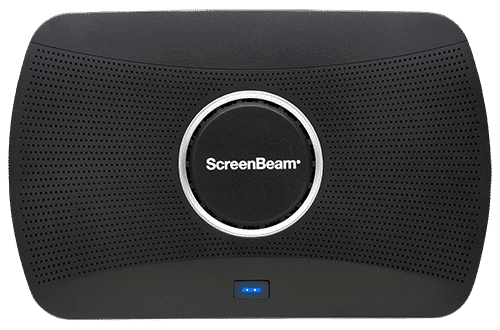
Our flagship wireless display solution for modern workplaces. 1100 Plus enables app-free content sharing from any device and supports all major video conferencing platforms. With flexible deployment and robust security, it’s a perfect fit for conference rooms, collaboration spaces, and hybrid environments.
Ideal for Business and Higher Education

Introducing ScreenBeam Flex: The Future of Wireless Collaboration
Discover the ultimate solution for wireless display and collaboration in education and business with the ScreenBeam Flex.
Special Promotions
Bonus Features with Bulk Purchases
Enhance your purchase value by bundling comprehensive tools for communication, signage, and alerts.
Eligibility: Customers purchasing 15+ units of ScreenBeam 1100P, 1100F, or 1000 EDU Gen 2.
- Bonus Value: Access to Signage+, Message Manager, and Alert+
- Extended Warranty: three year coverage on ScreenBeam FLEX
Administrative Tools Trial
Centralized device management and administration with minimal setup.
Eligibility: Customers starting a ScreenBeam Administrative Tools trial receive a pre-provisioned hardware kit.
- Pre-provisioned hardware unit
- Quick start guide (sent after DULA receipt) for onboarding
- Hosted CMS and pre-configured ScreenBeam Cloud
Request a Demonstration
Simplify and optimize the digital experience to empower users in higher education environments to to focus on what matters most: connecting, creating, and sharing ideas with ease.