
What To Do When Your Smart Board Stops Connecting To Wi-Fi
The ticket comes in at 8:05 on a Monday morning.
A teacher’s lesson plan has been derailed because the Smart Board refuses to show up on the network.
Rebooting doesn’t fix it. Toggling the Wi-Fi isn’t helping. The software is already up to date.
Eventually, the teacher gives up and tethers themselves to the wall with an HDMI cable. The momentum of the class is gone before it even started.
Have You Tried Turning It Off and On Again?
For IT managers, these tickets are a constant drain on resources. You spend hours troubleshooting integrated Wi-Fi modules on interactive flat panels (IFPs) that were never designed to handle the density of a modern school network.
The reality is that the “smart” features in many displays rely on underpowered Android operating systems. These proprietary apps often struggle to maintain a stable connection.
When a display drops its connection, it forces teachers back to the podium. It limits their ability to move around the room and manage the class.
You need a solution that removes the variable of unreliable display hardware entirely.
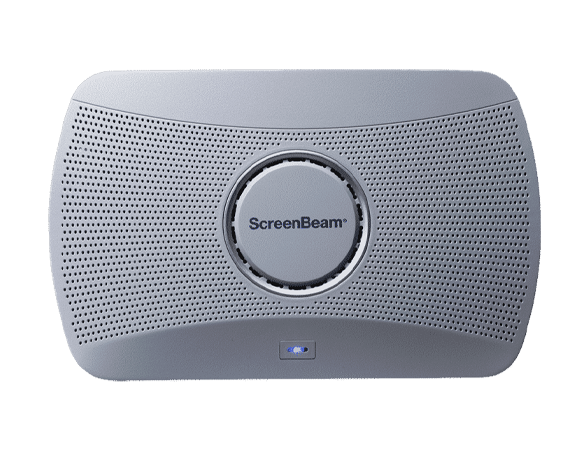
Fix Classroom Connectivity
Eliminate the #1 cause of help desk tickets with a robust wireless display solution
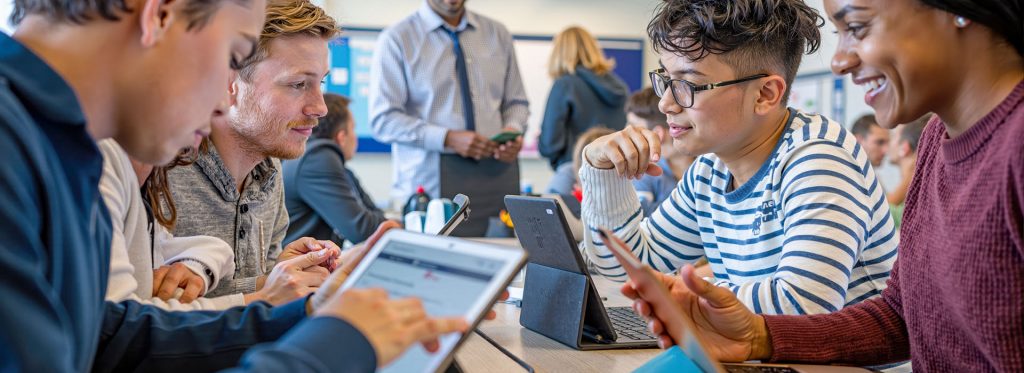
Empower Your Teachers
Give educators the freedom to teach from anywhere in the room without fear of disconnection.
Bypass the Bottleneck
The most effective way to solve Smart Board connectivity issues is to stop relying on the board’s built-in operating system for wireless casting.
Those integrated modules often conflict with enterprise security protocols or get bogged down by software updates. ScreenBeam solves this by acting as a dedicated, secure bridge between the teacher’s device and the display.
ScreenBeam receivers connect directly to the HDMI and USB ports of the interactive display. This setup bypasses the display’s internal Wi-Fi radio completely.
Native Protocols for Instant Access
The ScreenBeam handles the heavy lifting of the video stream and the touch data. Because ScreenBeam uses native protocols like Miracast, AirPlay, and Google Cast, teachers do not need to install third-party apps or drivers to connect.
They simply look for the room name on their device and connect. This approach isolates the wireless transmission from the quirks of the display hardware.
It also secures the connection. ScreenBeam separates the casting traffic from your internal school network functionality. This means a guest or student can present without ever touching your secure servers. You get the reliability of a wired connection with the flexibility of a wireless one.
Standardize the Wireless Experience
Implementing this fix is straightforward. You attach a ScreenBeam 1000 EDU to the display. You run an HDMI cable for video and a USB cable for touch data.
This physical connection ensures that when a teacher writes on the board, the “ink” flows instantly to their device. We call this Ghost Inking, and it eliminates the lag that makes other wireless touch solutions feel sluggish.
Once installed, you can disable the unreliable built-in casting features of the Smart Board. This prevents signal interference and clears up channel congestion. Your teachers will no longer have to guess which input to use or struggle with a frozen internal browser.
Proactive Management
From a management perspective, you gain control. ScreenBeam Central Management System (CMS) allows you to monitor the status of every receiver in the district from your desk.
You can push firmware updates, check signal strength, and group devices by school or building. You stop reacting to “Wi-Fi down” tickets and start proactively managing your AV infrastructure.
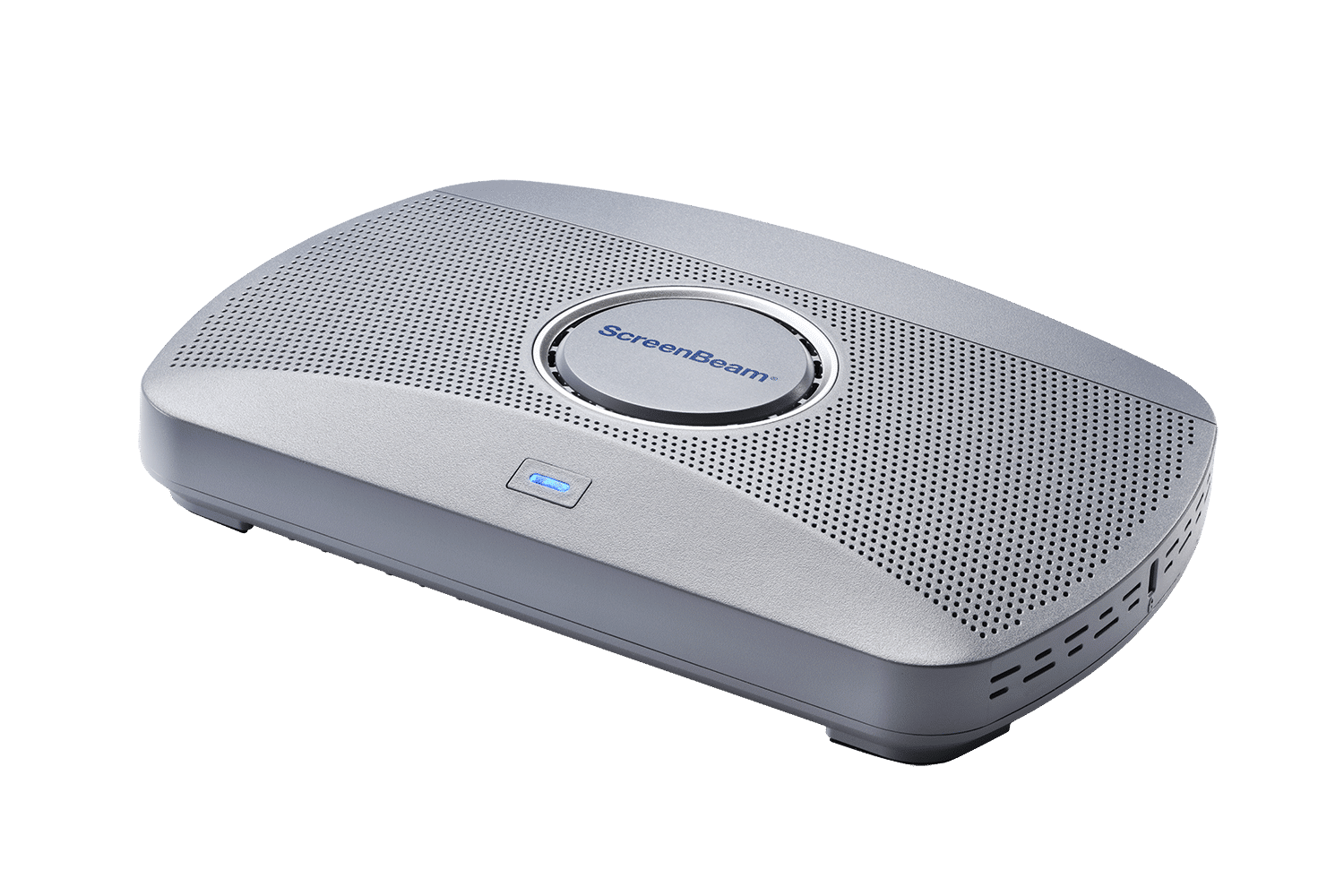
Scale Your Success
Manage every classroom display from a single central console.
A High-Performance Learning Environment
Imagine a morning where the helpdesk queue is silent. Teachers walk into their rooms, open their laptops or tablets, and connect immediately.
The technology fades into the background. The focus shifts entirely to instruction.
In this environment, a math teacher can stand next to a struggling student in the back row while writing an equation that appears on the main board instantly.
A social studies teacher can hand a tablet to a student to annotate a map without searching for a dongle. This is the promise of mobile instruction.
ScreenBeam turns the Smart Board into the reliable tool it was meant to be. You reduce the maintenance burden on your IT team and give hours of instructional time back to your faculty.
We create classrooms where the technology works every time.
Restore Wireless Reliability
See the difference a dedicated wireless receiver makes in your classrooms.