
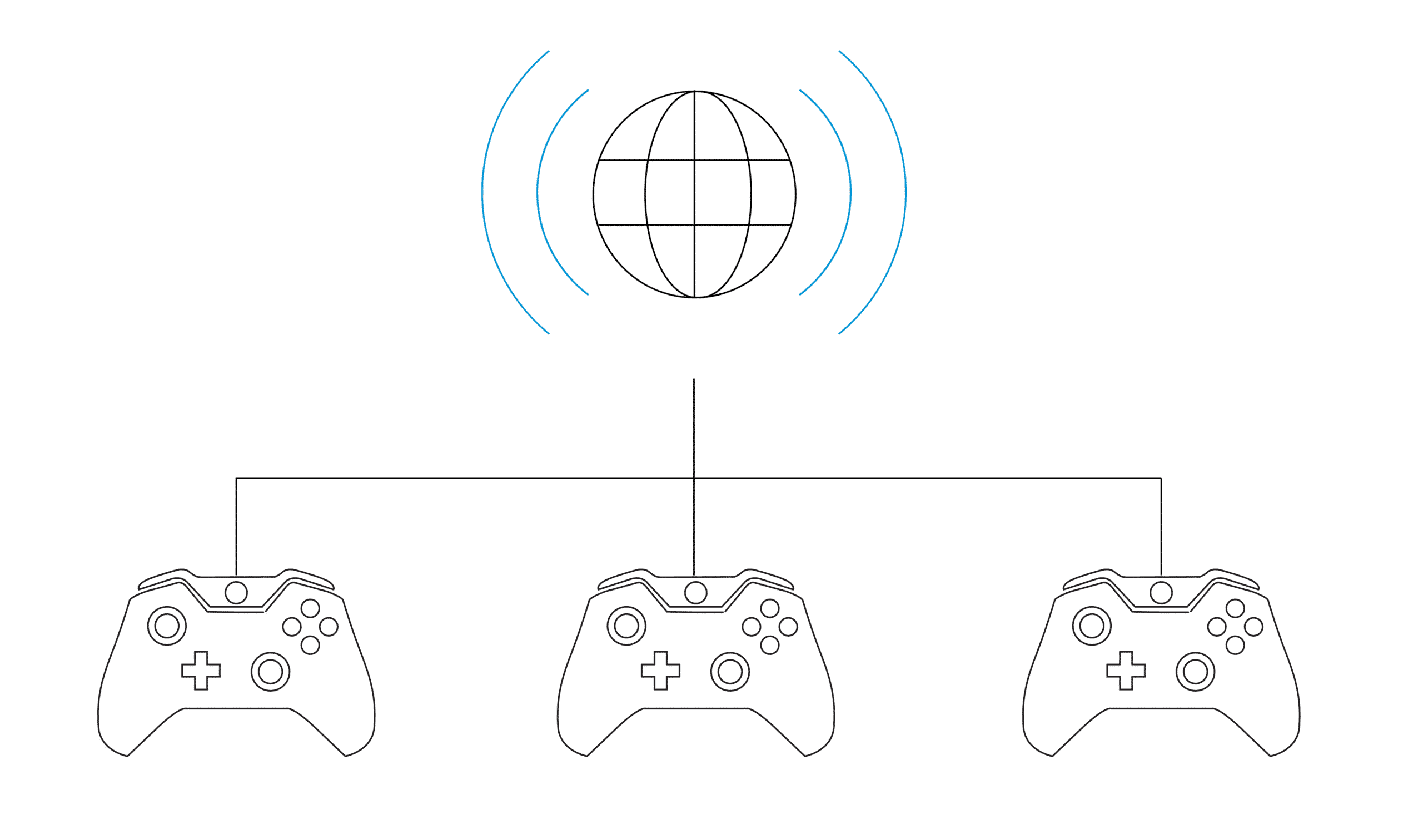
Improving the Internet connection to your Xbox is key to getting your best gaming experience. And serious gamers know that a wired connection has one definite advantage in the gaming world: low latency or lag. When you pull that trigger, it actually fires… and you stay alive! So, what options do you have for a better home network connection? Let’s look at a few.

Ethernet to your Router
Wiring a gaming console directly to your router almost guarantees a reliable connection. Unfortunately, this may not always be an option unless your Xbox is right next to your router. In addition, installing or wiring Ethernet through the walls can be difficult, messy and costly.
Use a MoCA Device – Ethernet over Coax
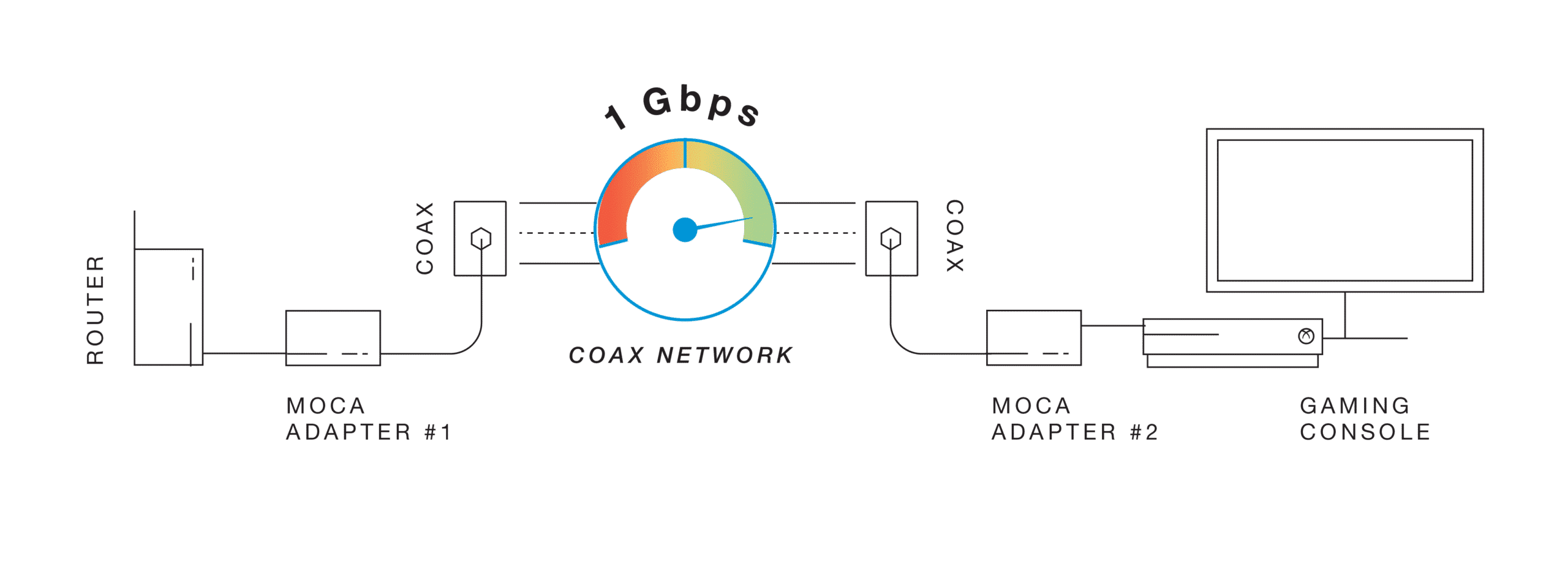
To get the fast and reliable connection needed for gaming, you may want to go fully wired. MoCA is a wired technology that allows you to connect your router to other devices in your home using the existing coaxial wiring in your walls. MoCA creates a superhighway between these devices, with exceptionally high speeds and reliable signals, which is ideal for gaming.
You have two primary options to use MoCA
MoCA Network Extenders
The MoCA Network Extender is a sort of hybrid wired-wireless option. With a MoCA Network Extender, you’ll get an ultra-high-speed and reliable signal between your router and the Extender using your home’s coaxial wiring. From there the Network Extender sends out a WiFi signal to the dead zones in your home, which can be used by gaming consoles or any other wireless device.
MoCA Adapters
MoCA Adapters will directly connect an Xbox to a router via the existing coaxial wiring in a home. This entirely wired option is also easy to set up. You simply connect one adapter to the router and another to the Xbox that’s near a coaxial port. MoCA adapters are designed to give high throughput, low latency, and low packet loss.

WiFi Mesh
WiFi networks can have good speeds, but some still have lower reliability or high latency. Standard mesh WiFi networks, for instance, on average have higher latency or lag times. A standard mesh repeater only extends the WiFi signal while taking up some of the bandwidth for its connection. This means gamers may experience delays and signal interruption.
Powerline Adapters
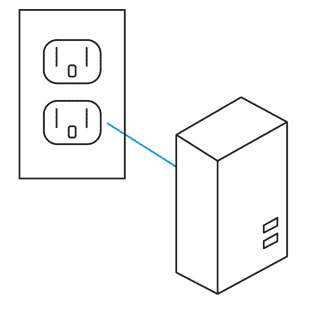
There are a number of powerline adapters on the market, but they don’t always live up to their speed hype. In addition, they connect via a home’s electrical wiring, so they are subject to more interference. Interference causes lag in a connection, and we know this is bad for gaming.
By simply using MoCA Network Adapters or MoCA WiFi Extenders, you can make your home network much more reliable and get speeds of up to 1 Gbps*. Learn more about MoCA Network Adapters and WiFi Extenders on ScreenBeam’s Complete Guide to MoCA.
Products to Try
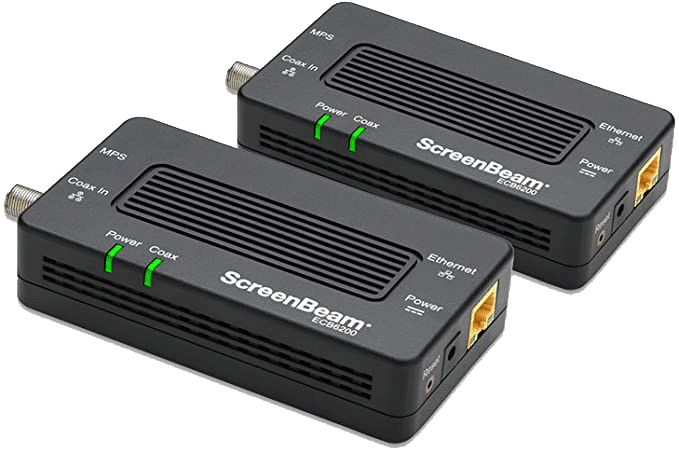
ECB7250
ScreenBeam Bonded MoCA 2.5 Network Adapter for Highest Speed Internet, Ethernet Over Coax – Starter Kit
The ECB7250 MoCA 2.5 Network Adapter delivers next-generation speeds up to 2.5 Gbps* using your home’s existing coaxial wires.
ECB6250
ScreenBeam MoCA 2.5 Network Adapter for Higher Speed Internet, Ethernet Over Coax – Starter Kit
The ECB6250 MoCA 2.5 Network Adapter delivers next-generation speeds up to 2.5 Gbps* using your home’s existing coaxial wires