Higher Education
Modernize Learning Spaces without Replacing Your AV Infrastructure
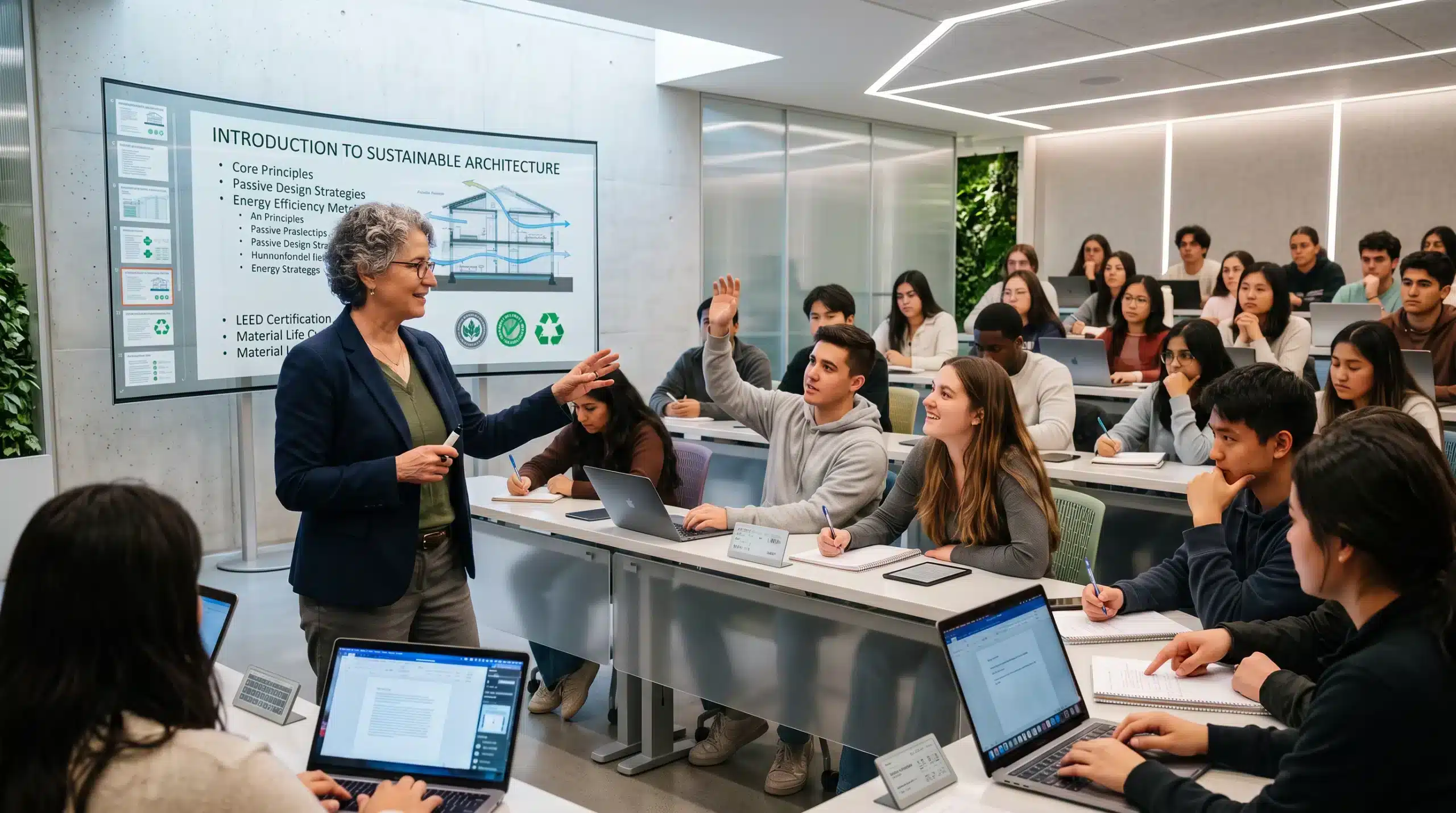
One platform for wireless display, active learning, hybrid instruction, campus communication, and centralized management.
Modernize Every Learning Space Without Replacing Your AV Infrastructure
What ScreenBeam Solves
Guest Presenters
Visitors, adjuncts, and guest speakers connect in seconds. No software install, no admin rights, no campus credentials.
BYOD
Windows, macOS, iOS, Android, and ChromeOS all work in the same room. With
BrowserCast, anyone can share from a browser tab instead.
Active Learning
Active Learning is software, not another AV system. Instructors control every display in the room, students share without an app, and you skip the cost of dedicated hardware.
Campus Communication
Signage, announcements, and emergency alerts reach classroom displays, not just lobby monitors. Every screen joins the communication system.
Campus-Wide Management
Manage rooms, buildings, and campuses from one place. Faculty get the same experience whether they teach in one building or five.
Case Studies
Trusted Across Higher Education
ScreenBeam works closely with higher education AV and IT leaders to solve real campus workflows: guest presenters, mixed-device classrooms, active learning spaces, hybrid instruction, signage, alerting, and centralized management at scale.
“Of all the solutions being deployed, the ScreenBeam devices had been the easiest to provision and manage”
Control Systems Programmer
Palm Beach State College
“ScreenBeam has revolutionized how we work. We’ve said goodbye to the hassle of tangled cables and time-consuming setups and entered a new era of wireless collaboration that has taken our team’s productivity to new levels.”
ICT Assistant Manager
Cook University
“ScreenBeam devices are critical and now a standard in our classroom technology.”
AV Systems Coordinator
St. Petersburg College
“ScreenBeam devices are critical and now a standard in our classroom technology.”
AV Systems Coordinator
St. Petersburg College
Proud HETMA Platinum Sponsor
Higher Education Technology Managers
Alliance, which is one of the ways we get real feedback on how we deliver the solutions institutions need most. ScreenBeam is specifically designed for higher education and integrates easily with existing AV infrastructure.
Step 1
Choose How You Deploy
Every room is different. A 300-seat lecture hall doesn’t need what a faculty office needs. Pick the ScreenBeam platform that fits each space, display, and use case.
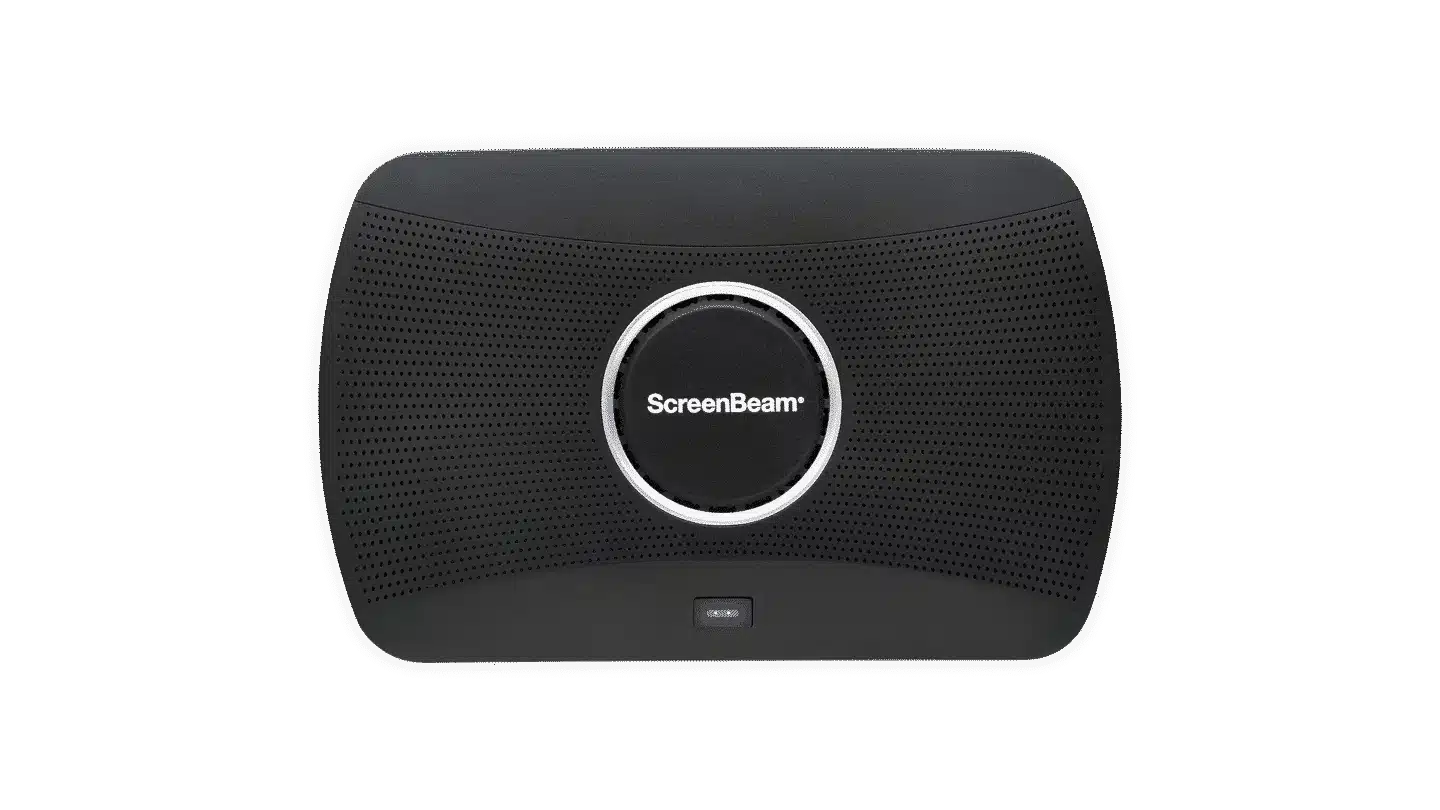
ScreenBeam 1100 Plus
For advanced learning, hybrid, and collaboration spaces
Our most capable receiver. Built for rooms where teaching, group work, and hybrid meetings all happen in the same space.
Best for
- Lecture Halls
- Active learning classrooms
- Hybrid learning spaces
- Rooms with complex AV
What it does
- Display from any device — no app, no dongle, no cable
- MultiBeam — up to four people on screen at once
- BrowserCast — share from a browser tab, nothing to install
- Extended desktop — laptop notes, display content
- BYOM conferencing — Zoom, Teams, or Meet session
- Works with Active Learning
- Ships with a three-year Administrative Tools license
- Central Management Enterprise (CMSE) perpetual license
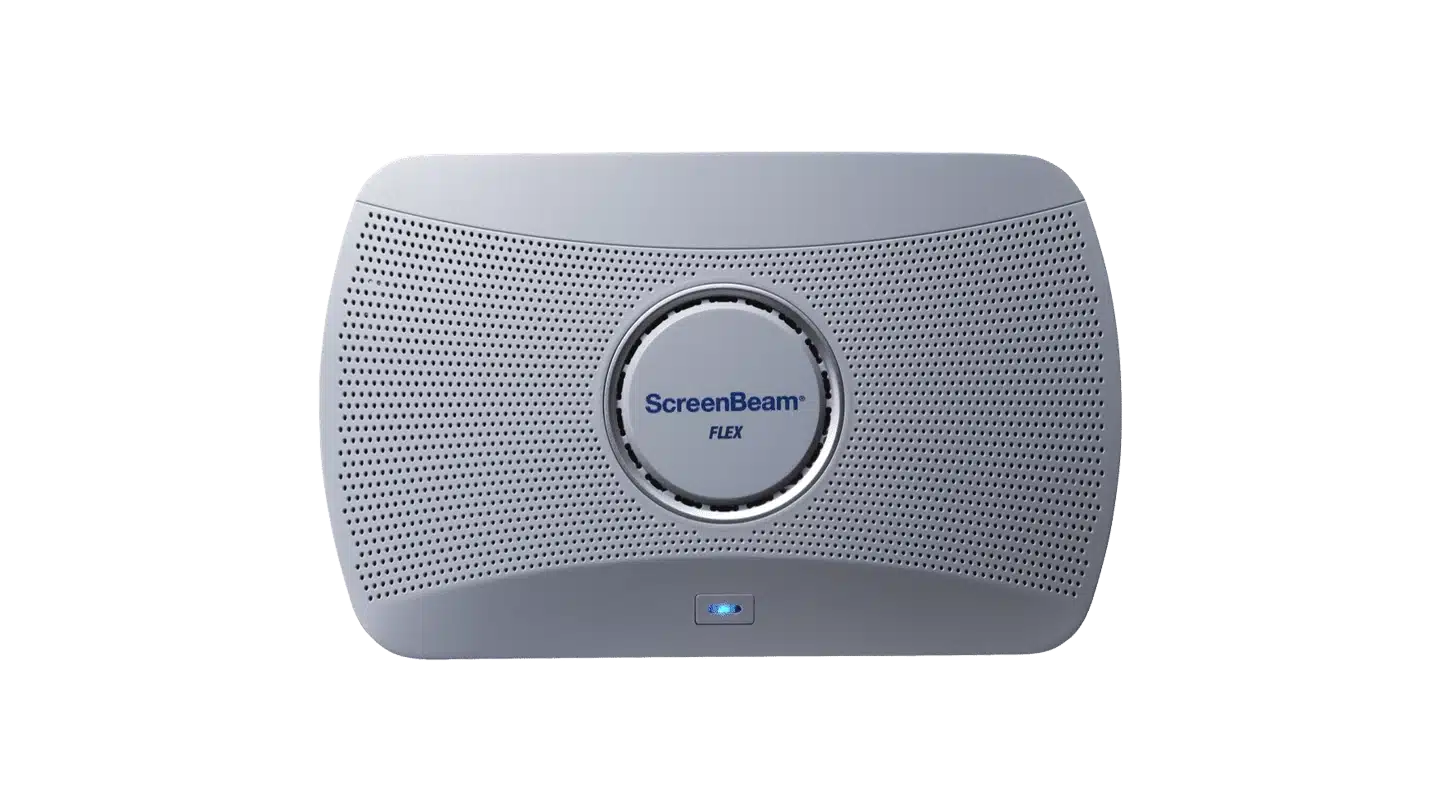
ScreenBeam FLEX
For flexible, everyday learning spaces
A simpler, lower-cost receiver for the rooms you have the most of.
Best for
- Class, Seminar and breakout rooms
- Faculty offices
- Department meeting spaces
- Large rollouts on a tight budget
What it does
- App-free wireless display
- BrowserCast
- Ships with a three-year Administrative Tools license
- Central Management Enterprise (CMSE) perpetual license
Step 2
Do More Than Share a Screen
ScreenBeam does more than get content on a display. Add tools for teaching, group work, campus communication, and safety.
Active Learning
Turn several classroom displays into one connected room.
Our most capable receiver. Built for rooms where teaching, group work, and hybrid meetings all happen in the same space.
- The instructor controls what goes where
- Groups work on their own screens
- Students share back to the whole class
- Multi-screen workflows for team-based learning
Available with compatible ScreenBeam deployments.
Administrative Tools
Turn every display into a campus communication screen.
Every ScreenBeam device ships with a three-year Administrative Tools license. Renewable after that.
- Signage+ — digital signage and scheduled content
- Message Manager — day-to-day campus announcements
- Alert+ — emergency alerts and safety communication
Step 3
Manage It All from One Place
Two management environments. One view of your campus.
ScreenBeam Cloud
For your ScreenBeam software
A simpler, lower-cost receiver for the rooms you have the most of.
- Manage Virtual ScreenBeam deployments
- Add, assign, and renew licenses
- Sign in as a moderator from any browser
- Keep software up to date
CMS Enterprise
For your ScreenBeam hardware
Our most capable receiver. Built for rooms where teaching, group work, and hybrid meetings all happen in the same space.
- Monitor receivers across classrooms, buildings, & campuses
- Push settings and firmware updates
- Organize deployments by building, floor, and room
- Watch system status & catch problems early
- Track devices and licensing
- Keep campus-wide visibility
Connect With Us
Experience a world where technology fades into the background and meaningful, interactive experiences take center stage.
ScreenBeam needs the contact information you provide to us to contact you about our products and services. You may unsubscribe from these communications at any time. For information on how to unsubscribe, as well as our privacy practices and commitment to protecting your privacy, please review our Privacy Policy.

June 25 2026