
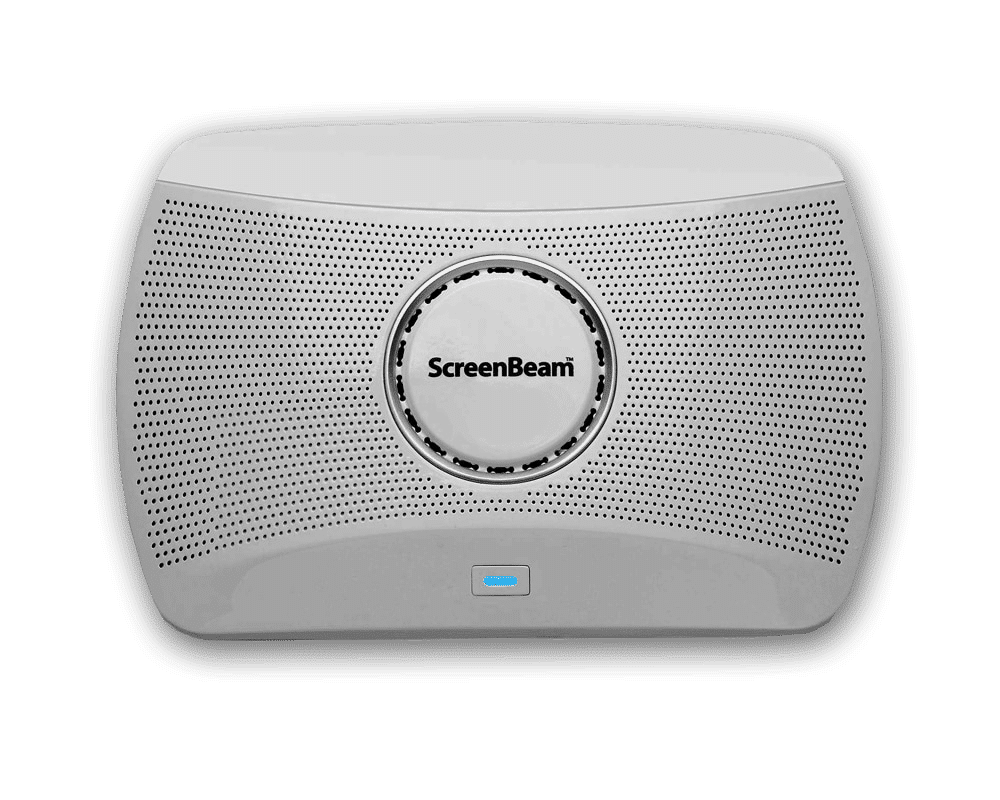
ScreenBeam 1000 EDU
Wireless Display Receiver
Product’s End-of-Life and End-of-Support announcement. See details
The ScreenBeam 1000EDU is a wireless presentation platform that supports app-free screen sharing for Windows, Mac/iOS and Chrome.
Product Highlights
- Wireless display receiver for Windows, Mac/iOS and ChromeOS
- Duplicate or extend screen mirroring in high definition
- Compatible with Interactive Flat Panels (IFP) for Windows touchback
- Deploy, manage, oversee and log activities with ScreenBeam CMS Enterprise
App-less and dongle-less screen mirroring
Screen sharing from any device without the need to download an app or keep dongle nearby. ScreenBeam leads with OS-native Wi-Fi Miracast, AirPlay and Google Cast for familiarity and mitigate user training.
Extended desktop
Windows and macOS users can mirror desktop or extend screen to ensure content privacy.
Touch display support
Windows users can markup content directly on room displays, instantly capturing changes in Microsoft Office 365 applications.
Multi-view
Teachers can display up to four student device screens simultaneously making it easy for classroom collaboration and discussion.
Signage Player
Idle displays in classrooms and meeting spaces can be optimized to convey information with integrated HTML-based digital signage capability.
Centralized Management
ScreenBeam CMS Enterprise included for monitor, manage, and update.
Compatible OS/Device
Miracast: Windows 11/10 and Android
Airplay: MacOS 11+ and iOS 13+
Google Cast: ChromeOS/Chrome 98+ and Android 8+
Audio & Video Specifications
Native protocol: Miracast, Airplay, Google Cast
Video: H.264 compression
Audio: LPCM 2.0
Resolution: Up to 4K302
Protection: HDCP 2.x3
Network Specifications
Ethernet: 1000Base-T RJ-45 LAN
Wireless (Miracast P2P1 & Wi-Fi Hotspot): 802.11ac 3×3 MIMO Dual-band 5GHz
Wireless (Infrastructure): 802.11ac 2×2 MIMO 2.4GHz and 5GHz (DFS)
BLE (Discovery): 2402-2480MHz
Authentication Protocol: IEEE 802.1x, WPA-PSK (TKIP), WPA2-PSK (AES), PEAP-MSCHAPv2, EAP-TLS
Hardware Specifications
Interfaces: 1 x HDMI® Output, 1 x RJ-45, 1 x USB 3.0 Host Type-A, 2 x USB 2.0 Host Type-A, 1 x Analog 3.5mm Audio, 1 x DC Power Jack
Power: Input 12VDC 3A, Consumption: 8.4W Typical 24.8W Peak
Temperature: Operating 0* – 40*C (32* – 104*F), Storage -20* – 85*C (-4* – 185*F)
Humidity: Operating 20-80% non-condensing, Storage 10-90% non-condensing
Dimensions
Size: W 8.66 in x D 5.66 in x H 1.99 in (220mm x 144mm x 50.5mm)
Weight: 1lb 4oz (471.74g)
Mounting Option
Wall mount. Magnetic mounting kit. VESA 75x75mm.
Regulatory and Compliance
Compliant Standards: FCC, RED, RoHS, UL
- Miracast P2P requires device with Wi-Fi and Intel 802.11 AC/AX Wi-Fi or equivalent is recommended.
- Display resolution and quality depend on Wi-Fi and or LAN network condition.
- Content protection only available for Miracast protocol.
| Document Name | Download |
|---|---|
| User Manual | Download |
| Quick Start Guide | Download |
| Wall Mounting Template | Download |
| Case Drawing | Download |
| How To Connect | Download |
Current Release
Version: 11.0.19.2
- Release date: 2026, Jan 29
- Changes since 11.0.18.10
- Improvements and fixes
- Fixed an audio issue over AirPlay when using Quick Switch or MultiView mode.
- Fixed a Miracast touchback issue where penmode switching failed when using myViewBoard on Viewsonic touchscreen.
- Added an additional fix for cases where Miracastmirrored images appeared oversaturated on certain HDR displays.
- Fixed Miracast server lag when ScreenBeam is connected to a 4Kp30 display.
- Fixed Wi-Fi connection instability in Cisco Meraki wireless environments.
- Provide option to support Starboard/iBoard interactive touch display panel.
Previous Releases
Version: 11.0.18.10
- Release date: 2025, Nov 10
- Changes since 11.0.18.7
- Improvements and fixes
- Fixed severe lag when using Windows Miracast after updating from version 11.x.17.x. Especially where ScreenBeam with 4K panels experienced lag due to mismatched resolution and refresh rate.
- Fixed an issue when using Windows Miracast and sometimes audio may suddenly spike and distort during video/audio playback.
Version: 11.0.18.7
- Release date: 2025, Oct 16
- Changes since 11.0.18.6
- Improvements and fixes
- Resolved issue where receivers may fail to accept Miracast connections (black screen and disconnect) after upgrading from firmware 17.x to 18.x.
- Resolved issue where connecting to Hisense TV via HDMI resulted in oversaturated colors and excessive brightness/contrast after Miracast projection.
- Improved latency when Miracast from Windows 11 (ARM) systems.
- Resolved issue where switching pen functions in ViewSonic myViewBoard software did not take effect with Viewsonic 50-series touchscreen (e.g., 7550-5F, 8550, 6550)
- Resolved compatibility issue with Iyama Interactive panels (UIBC and touch widgets were non-responsive).
- Corrected behavior where PCs could connect via Infracast even when Miracast over LAN was disabled.
Version: 11.0.18.6
- Release date: 2025, Sept 22
- Changes since 11.0.18.3
- New features
- Support ScreenBeam Signage+ service. Requires ScreenBeam Cloud and Administrative Tools license.
- Improvements and fixes
- Fixed issue specific to Orchestrate environment where Windows Miracast beaming encounters audio lag.
- Fixed issue where Windows Miracast does not project to full screen on some displays.
- Improved performance and reduced lag during AirPlay screen mirroring.
- Fixed issues related to Windows Miracast touchback including using pen on Dell panel, disable-reenable touch on Windows stops working, and multi-touch support for iBoard panel.
- Fixed issue where Windows Miracast detects ScreenBeam supported refresh rate as 25Hz instead of 60Hz.
- Fixed issue where the onscreen PIN may briefly disappear after switching to other display modes.
- Fixed receiver may crash when a Logitech Unifying USB receiver is connected to ScreenBeam or via a touch panel’s USB hub.
- Fixed DNS failures when auto-switching from Ethernet to Wi-Fi backhaul within the same subnet.
- Fixed audio routing in Quick Switch mode when HDMI-In is plugged during casting.
- Fixed black screen issue when switching from Miracast/Infracast to AirPlay in Quick Switch mode.
- Fixed Receiver Name setting not applying during USB setup.
- Fixed muted audio when switching from AirPlay to Chromecast playback.
Version: 11.0.18.3
- Release date: 2025, Aug 08
- Changes since 11.0.17.18
- New features
- Touchscreen-Based Wireless Display Connection Approval
- This is an optional security feature on top of the existing PIN security available in Miracast and AirPlay.
- Users can approve wireless connection requests directly via on-screen prompts using the touchscreen – available with or without PIN.
- CMS Management Toggle – for all 1xxx-series products
- ScreenBeam CMS Enterprise (CMSE) is enabled by default.
- New option – allows users to disable CMS management to prevent receivers from querying DNS for “aeisbcms”.
- WPA3 Wireless Security Support – for all 1xxx-series platforms
- ScreenBeam now supports Wi-Fi environments using WPA3 security protocols:
- WPA3-SAE
- WPA3 EAP-TLS
- WPA3 Enhanced Open
- ScreenBeam now supports Wi-Fi environments using WPA3 security protocols:
- Recommended version for Orchestrate version 3.2.x.
- Touchscreen-Based Wireless Display Connection Approval
- Improvements and fixes
- Fixed issues affecting Orchestrate.
- Addressed issues related to Alert+ and Message Manager.
- General security enhancements.
Version: 11.0.17.14
- Release date: 2025, Apr 09
- Changes since 11.0.17.7
- Improvements and fixes
- Supports Alert+ (with Raptor) and Message Manager
- Improvements and fixed bugs relate to Orchestrate
- Fixed bug where digital signage prevents Display Off to run
- Fixed re-connection to Wi-Fi with PEAP may fail after firmware update
- Fixed translation doesn’t work for screensaver setting and onscreen info
Version: 11.0.17.7
- Release date: 2025, Jan 27
- Changes since 11.2.17.1
- Improvements and fixes
- Improved stability for handling Orchestrate errors
- Improved video quality for Miracast over LAN after a Wi-Fi network drop or roam
Version: 11.0.17.1
- Release date: 2024, Nov 04
- Changes since 11.0.15.8
- New features
- Orchestrate by ScreenBeam – Modern instructional tools, classroom management and wireless display
- Feature deprecation
- Classroom Commander for Windows/Chrome
- Improvements and fixes
- Enhanced TLS security
- Added network interface bandwidth report for CMSE
- Improved Chromecast mirroring stability
- Fixed signage playback of embedded video sometimes skips file
- Fixed receiver occasionally restarts on its own or upon device connection
- Fixed unnecessary outbound request to server
Case Studies
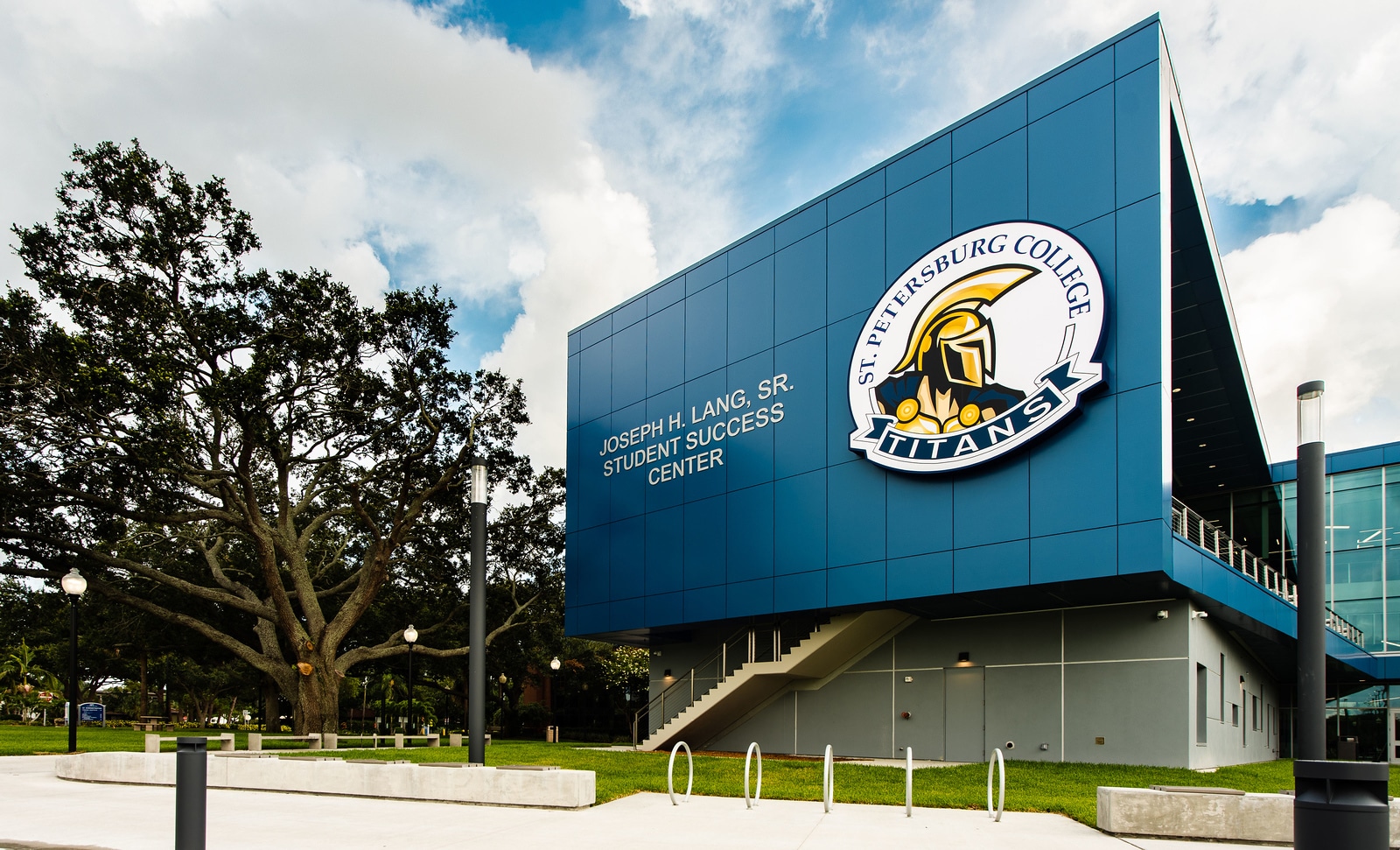
Making a Difference
At St. Petersburg College, ScreenBeam technology has become a cornerstone of the school’s commitment to innovation. Helping create seamless, connected learning environments across its campuses.
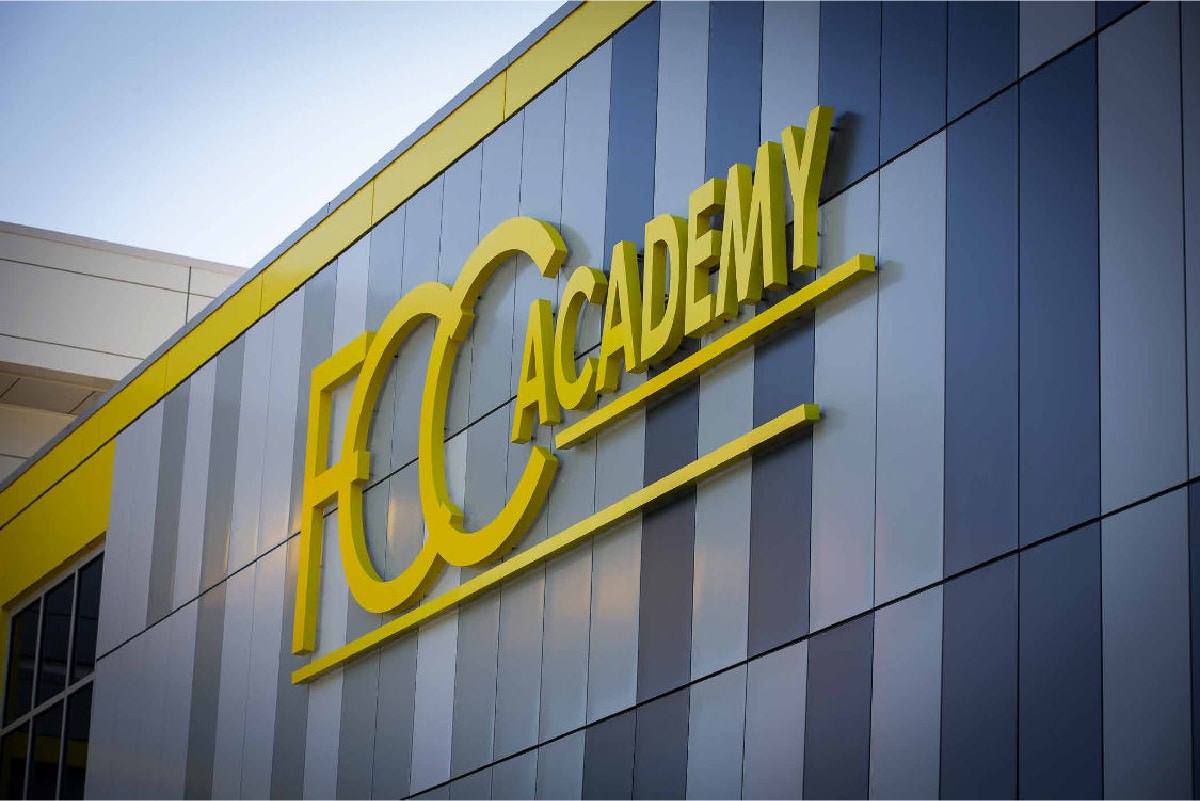
Fostering Success
Flint Cultural Center Academy replaced existing consumer-grade wireless display with ScreenBeam in their classrooms and meeting spaces because of its ability to address a wide array of use cases and meet user experience, remote management and security considerations.
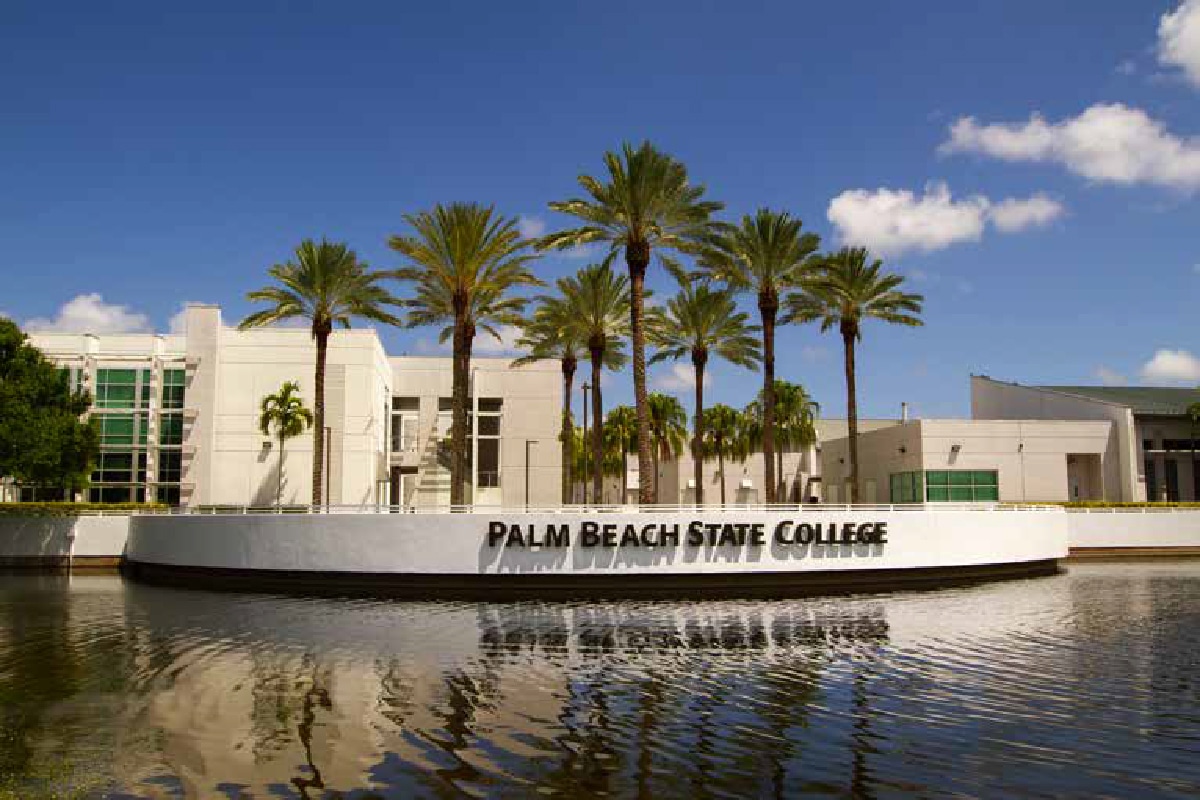
Building a Hybrid Future
Responding to the growing demand for hybrid learning, Palm Beach State College deployed the ScreenBeam 1100P to streamline wireless interactions and better serve the diverse learning needs of their extensive commuter population.
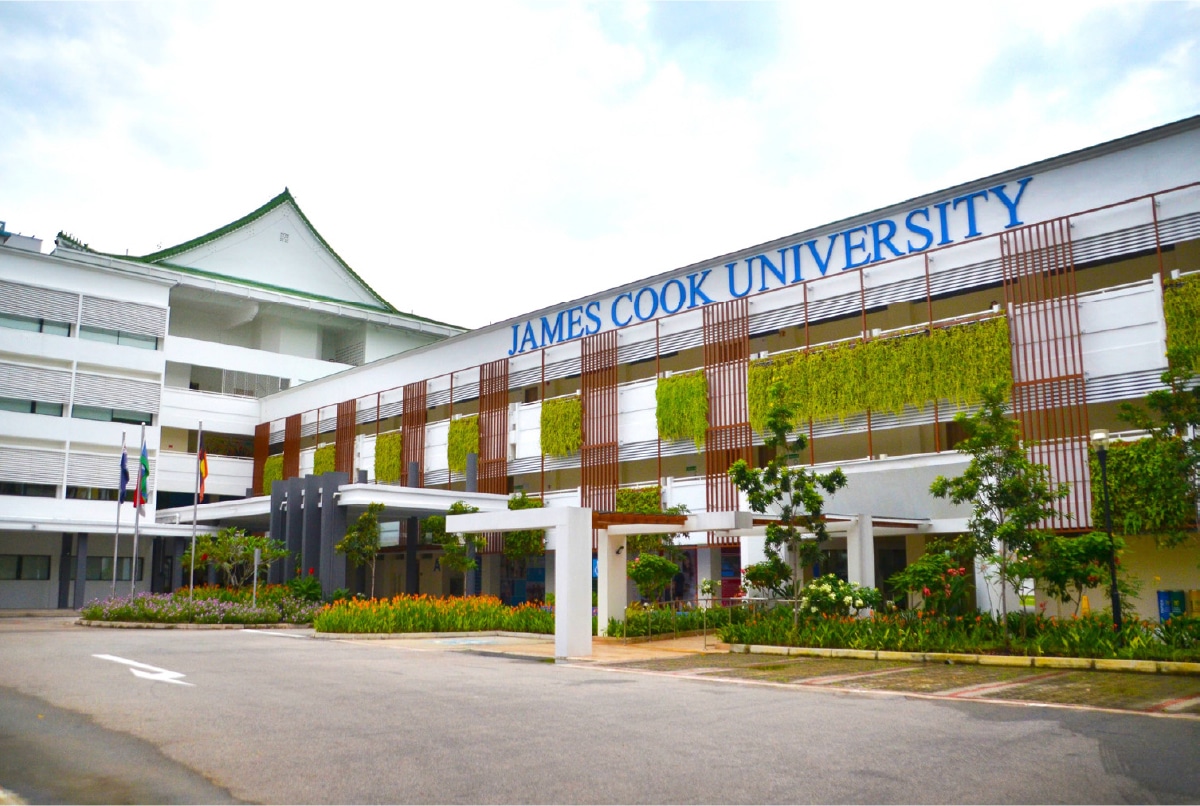
The Need for Collaboration
James Cook University moves to hassle-free presentations with ScreenBeam 1100 Plus transforming its classrooms into secure hybrid learning spaces. The result has revolutionized the way staff works elevating team productivity to new levels and positioning the University as an innovation leader in their regions.
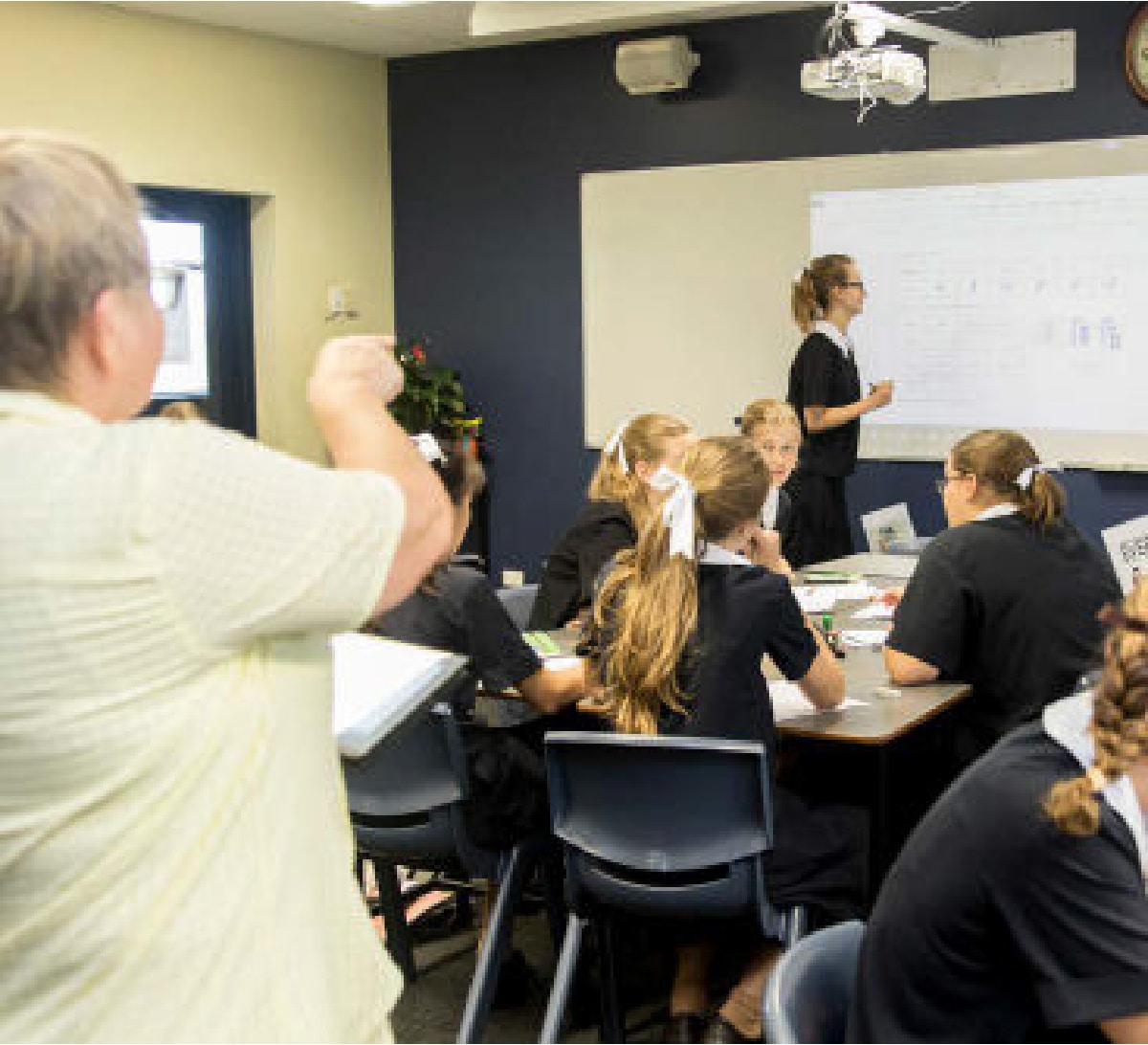
Untethered Teaching
Founded by the Sisters of The Society of the Sacred Advent, both St. Margaret’s Anglican Girls’ School and St. Aidan’s Anglican Girls’ School are situated in the picturesque, leafy suburbs of Ascot and Corinda, Brisbane, Queensland Australia. The schools pride themselves on their excellence in innovative teaching and learning complemented by a broad range of extra-curricular activities.
Request A Trial
Experience a world where technology fades into the background and meaningful, interactive experiences take center stage.
ScreenBeam needs the contact information you provide to us to contact you about our products and services. You may unsubscribe from these communications at any time. For information on how to unsubscribe, as well as our privacy practices and commitment to protecting your privacy, please review our Privacy Policy.
Schedule A Demo
Experience a world where technology fades into the background and meaningful, interactive experiences take center stage.
ScreenBeam needs the contact information you provide to us to contact you about our products and services. You may unsubscribe from these communications at any time. For information on how to unsubscribe, as well as our privacy practices and commitment to protecting your privacy, please review our Privacy Policy.
Related Products
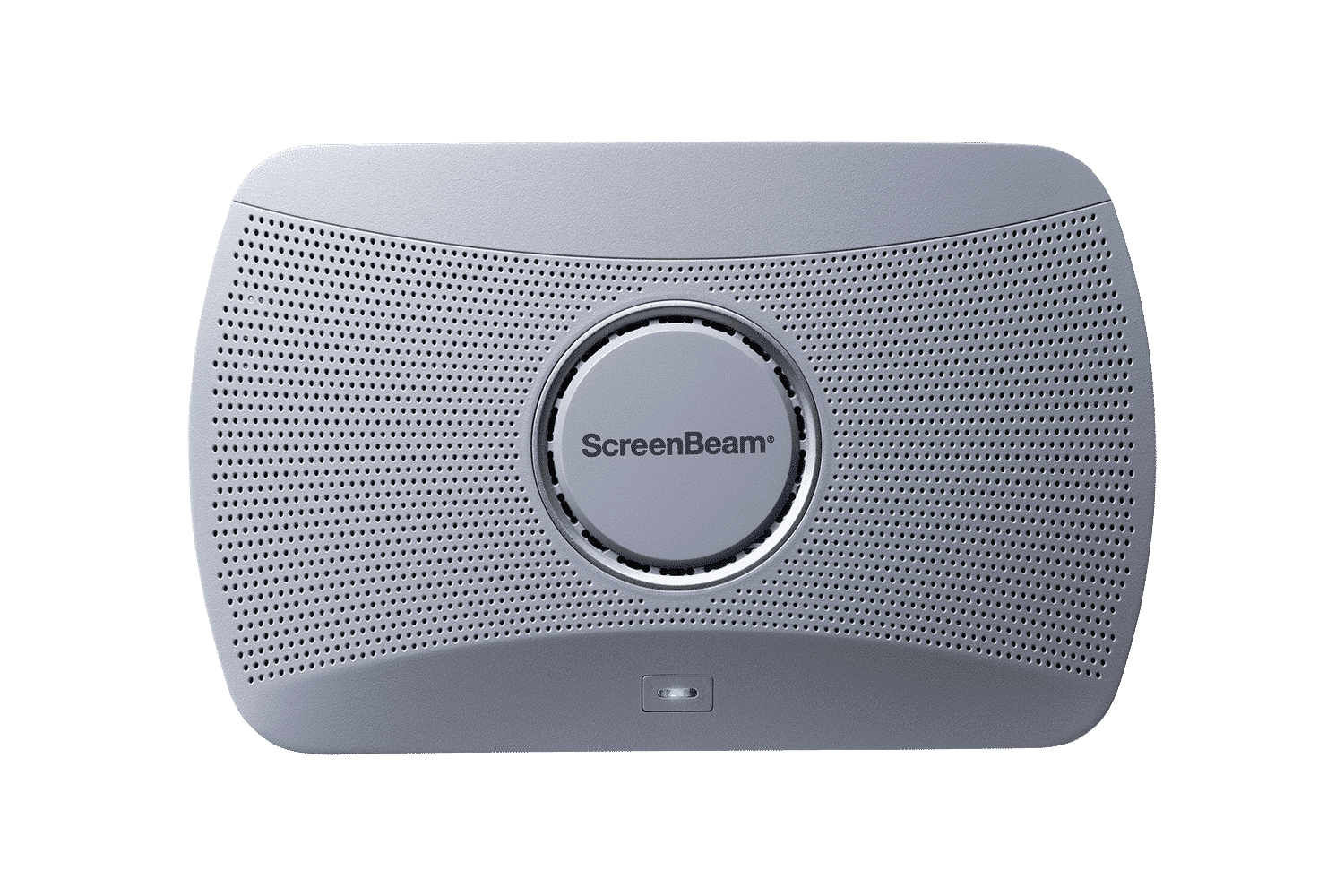
ScreenBeam 1000 EDU Gen 2
A complete smart wireless presentation and engagement solution built for modern classrooms. The 1000 EDU Gen 2 enables screen sharing from any device, includes a built-in whiteboard for collaboration, digital signage, instant alerts, and more … all in a single solution.
ideal for K-12