
Why Hybrid Classrooms Need Flexibility
Hybrid learning environments create a unique pressure cooker for educators and IT staff. You have half your class logging in remotely and the other half sitting at desks. Every student in the room has a device. These devices range from school-issued Chromebooks to personal MacBooks or Windows laptops.
You need to share work from a student in the back row to the main display so the remote students can see it. But you cannot reach that student with an HDMI cable. You have to ask them to email the file or upload it to a drive. The lesson pauses. The momentum dies. The remote students start to tune out.
This friction defines the daily struggle in a rigid classroom setup. Teachers stay glued to the front of the room because that is where the cable lives. They cannot circulate to manage behavior or help a student who is struggling.
IT teams face a different headache. They manage buckets of adapters and dongles that constantly go missing or break. Support tickets pile up because a specific laptop model will not talk to the room system.
The cost of this friction is lost instructional time. When technology fails to connect simply, teachers stop using it. They revert to static lectures. Active learning disappears. Schools invest heavily in 1:1 student device initiatives but often fail to bridge the gap between that small screen and the main classroom display. You need a way to connect those devices that does not rely on a fragile chain of cables and adapters.
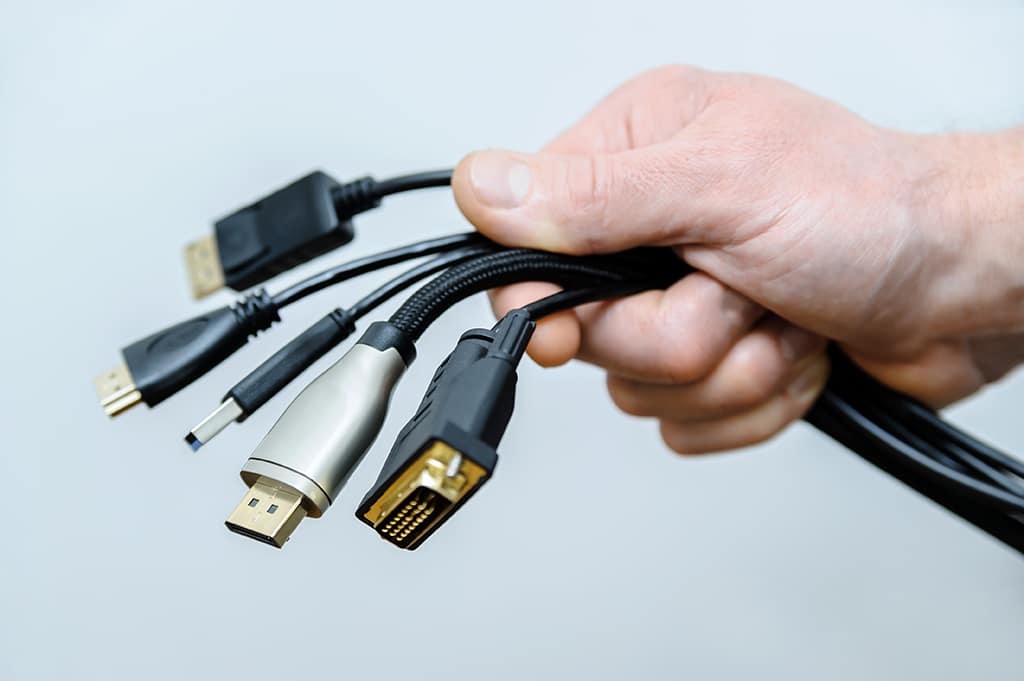
Solve the Connection Crisis
Eliminate the cables and dongles that hold your classrooms back.
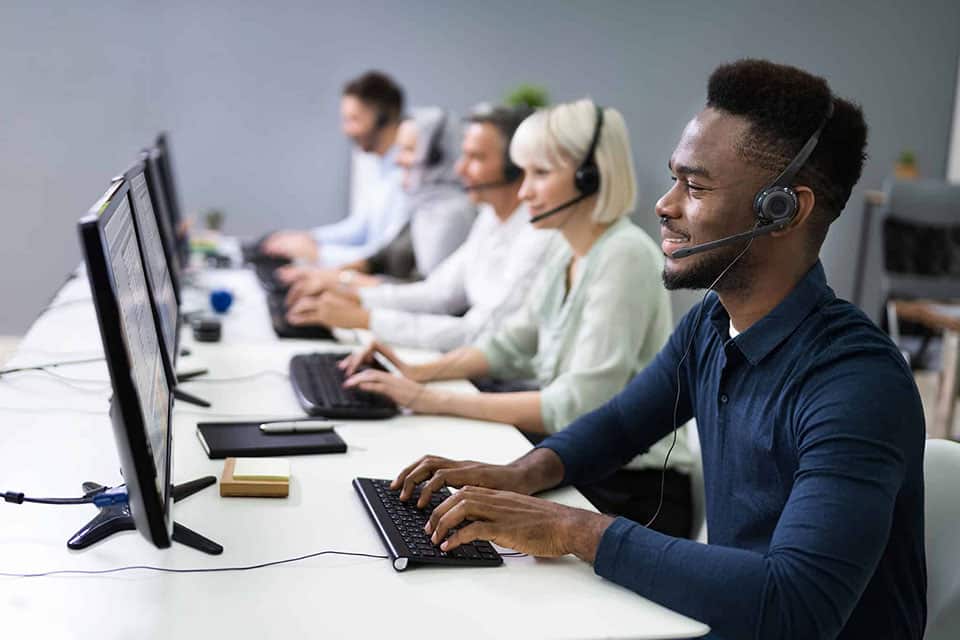
Empower K-12 Teachers
See how wireless display drives active learning in primary education.
Native Connectivity for the Modern Classroom
ScreenBeam cuts through the hardware chaos by removing the physical connection entirely. We operate on a strict app-free philosophy. We believe you should not have to install proprietary software just to put an image on a screen.
ScreenBeam receivers utilize the native wireless display protocols already embedded in modern operating systems. This includes Miracast for Windows, AirPlay for Apple devices, and Google Cast for Chromebooks. A student opens their laptop and connects using the tools they already know.
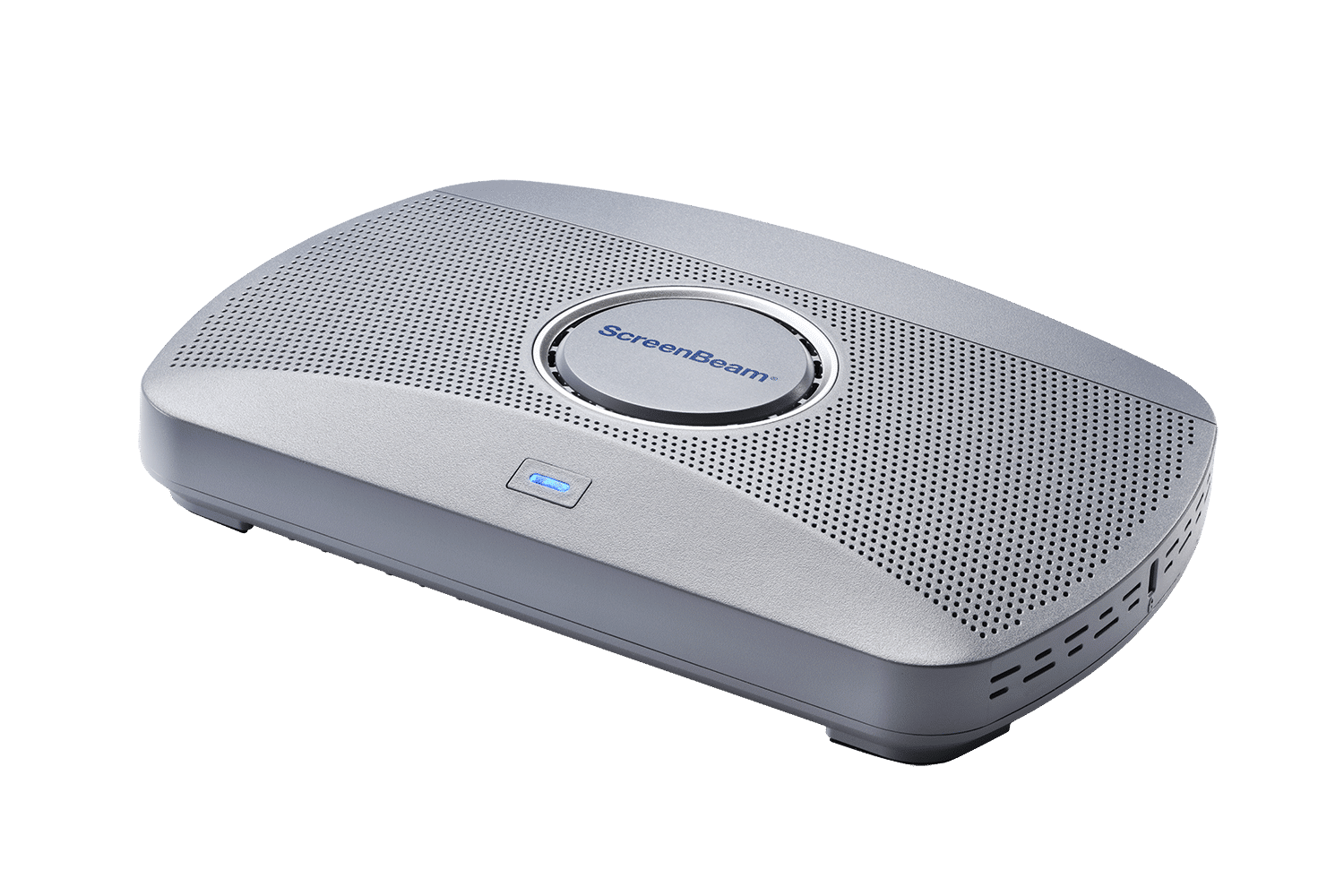
This approach solves the hardware compatibility nightmare for IT administrators. You no longer need to purchase and track expensive dongles that require USB ports which many modern laptops lack. ScreenBeam 1100 Plus and ScreenBeam 1000 EDU Gen 2S units act as a universal receiver for any device that walks into the room.
This flexibility is critical for hybrid setups where “Bring Your Own Device” is common. A guest speaker or a student with a personal laptop can connect instantly without downloading drivers or asking for admin rights.
Instant Interactive Flow
We also address the specific lag that kills interactivity. Standard wireless casting can feel sluggish. ScreenBeam developed Ghost Inking™ technology to eliminate this latency.
When a teacher writes on a wireless touch display, the ink flows instantly. It feels like pen on paper. This zero-latency response keeps the cognitive flow intact during math equations or brainstorming sessions. The technology works hard in the background so the teacher can focus entirely on the students.
Orchestrating a Secure, Multi-User Environment
Implementing ScreenBeam changes the architecture of your learning spaces. IT teams gain control through our Central Management System (CMS) platform. You can deploy configurations to thousands of units at once and monitor health status remotely.
You get robust security features that separate student traffic from the secure school network. Students connect via a guest network or P2P radio while the receiver stays safely on the corporate LAN.
Teachers gain a powerful orchestration tool called Classroom Commander. This allows the teacher to view thumbnails of up to 50 student screens at once. They can spot a student who is off-task or identify excellent work to share. With one tap, the teacher pushes that student’s screen to the main display and to the devices of remote learners.
- Native Connectivity: Connects Windows, macOS, iOS, Android, and ChromeOS devices without apps.
- Multi-View Mode: Display up to four student screens simultaneously for comparative learning.
- Quick Switch: Transition seamlessly from one presenter to the next without disconnecting, keeping the lesson moving.
- Digital Signage: Screens act as digital signage players for school announcements when not in use.
Upgrade Higher Education
Create flexible hybrid spaces for universities and colleges.
Creating a Seamless Hybrid Experience
The result of this transition is total instructional agility. The teacher is no longer an anchor at the front of the room. They move freely through the aisles. They stand next to the student who needs extra help. They control the room from a tablet or laptop while maintaining proximity to the class. This mobility improves classroom management and keeps energy levels high.
Hybrid students finally feel like equal participants. With ScreenBeam Conference software, the room camera and audio wirelessly bridge to the teacher’s laptop. Remote students see the whiteboard clearly and hear the in-room discussion.
The barrier between “room” and “zoom” dissolves. Students share work instantly from their desks. Peer-to-peer learning happens naturally. The technology stops being a hurdle and starts being the bridge that connects every learner.
Start Your Trial
Experience the difference of app-free wireless display in your school.