

ScreenBeam Alert+
Deliver critical alerts when every second counts
Alert+ is currently available in the United States only
ScreenBeam Alert+ is an emergency communication solution designed to deliver critical messages to in-room displays during urgent situations. Whether for lockdowns, evacuations, or other crisis events, Alert+ ensures that school staff and students receive timely and clear instructions to enhance campus safety.
Supporting the I Love You Guys Foundation’s Standard Response Protocols (SRP) and integrating with Raptor Emergency Management System (EMS), Alert+ is a vital tool for schools looking to extend their safety measures beyond intercoms and emails.
Product Highlights
- Full-screen alerts override active sessions instantly
- Works with Raptor EMS and SRP protocols
- Trigger alerts from web console or mobile app
- Role-based permissions and approval workflow
- Check-in features and classroom-level visibility
- Integration with ScreenBeam receivers—no new hardware needed
ScreenBeam Administrative Tools Bundle
The Administrative Tools bundle unifies Signage+, Alert+, and Message Manager into one platform, simplifying communication across every ScreenBeam-equipped display. Together they create a complete network for daily updates, urgent alerts, and digital signage while delivering the right message to the right screen at the right time.
Features built for urgency, designed for control
When every second counts, Alert+ enables rapid, reliable communication across connected displays. With preformatted templates and mobile access, staff can trigger full-screen emergency messages from anywhere—keeping students, staff, and visitors informed and safe when it matters most.
- Urgent Message Delivery – Overrides active screen sessions to display full-screen emergency alerts.
- Preformatted Templates – Ensures quick and consistent messaging during crises.
- Mobile & Web-Based Access – Allows authorized staff to send alerts from anywhere on campus.
- Role-Based Permissions – Assigns predefined access to administrators and safety personnel.
- Event Logging – Tracks alert history for reporting and compliance.
- Cloud-Based Management – Supports centralized or location-specific messaging.
- Seamless Integration – Works with Raptor EMS for expanded crisis response.
Use Cases
- Urgent Campus Alerts: Notify classrooms of lockdowns, evacuations, or severe weather warnings.
- Enhances Emergency Communication Protocols: Provides an additional layer of crisis messaging beyond intercoms and emails.
- Scalable Safety Solution: Supports single-site schools and multi-campus districts.
Compatibility
- Works with all ScreenBeam 1xxx and higher receivers
- Integrated with Message Manager and Alert+ as part of the Administrative Tools Bundle
- Supports images, videos, PDFs, URLs, and widgets like calendar, clock, ticker, weather
- Browser-based control — no software install needed
- Fully cloud managed with secure role-based permissions
Benefits
- Enables fast, visible emergency instructions without relying on intercoms or overhead audio
- Improves safety by delivering targeted alerts to the screens people are already looking at
- Supports compliance with SRP and integrates seamlessly with existing safety protocols
- Empowers multiple user roles (admin, teacher, officer) with appropriate access and controls
- Includes classroom check-in features to verify safety status during live events
Compatible Hardware
- ScreenBeam 1000 EDU
- ScreenBeam 1000 EDU Gen 2
- ScreenBeam 1100 Plus
- ScreenBeam FLEX
Compatible Software
- CMS Enterprise (CMSE) version 4.4.14.0 or later
- Compatible ScreenBeam receivers with firmware 11.x.17.0+
- iOS app support: iOS 15.7+ (iPhone SE2 or newer)
- Android app support: Android 14+
Required License
- ScreenBeam Administrative Tools
Other
- Internet access required for all components
- Must whitelist cloud.screenbeam.com from SSL decryption
| Document Name | Download | |
|---|---|---|
| Deployment Guide | 1.2 | Download |
How It Works
- User (teacher, officer, or admin) logs in via mobile app or web console (officer and admin)
- Selects alert type from preformatted templates (lockdown, evacuation, etc.)
- Targets receivers or groups (via site mapping)
- Triggers the alert, which overrides classroom displays
- Classrooms optionally check-in to confirm safety status
- Admins can monitor alerts in real time and clear them when resolved
Setup
- Activate Admin Tools license in ScreenBeam Cloud
- Assign Alert+ license to receivers in CMSE
- Assign users and roles (Admin, Officer, Teacher)
- Install Alert+ app (iOS or Android)
- Optional: configure Raptor EMS integration and webhook
- Map building sites from Raptor to ScreenBeam receivers
Additional Features:
- Raptor EMS integration via webhook
- Teacher-initiated alerts with optional safety officer approval
- Mobile-friendly interface with secure role-based login
- Classroom check-in functionality
- Alert moderation and logging of event history
- Drill and emergency modes supported via Raptor integration
Request A Trial
Experience a world where technology fades into the background and meaningful, interactive experiences take center stage.
ScreenBeam needs the contact information you provide to us to contact you about our products and services. You may unsubscribe from these communications at any time. For information on how to unsubscribe, as well as our privacy practices and commitment to protecting your privacy, please review our Privacy Policy.
Schedule A Demo
Experience a world where technology fades into the background and meaningful, interactive experiences take center stage.
ScreenBeam needs the contact information you provide to us to contact you about our products and services. You may unsubscribe from these communications at any time. For information on how to unsubscribe, as well as our privacy practices and commitment to protecting your privacy, please review our Privacy Policy.
Compatible Hardware
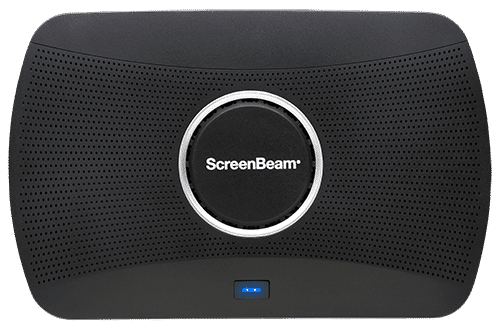
ScreenBeam 1100 Plus
Our flagship wireless display solution for modern workplaces. 1100 Plus enables app-free content sharing from any device and supports all major video conferencing platforms. With flexible deployment and robust security, it’s a perfect fit for conference rooms, collaboration spaces, and hybrid environments.
Ideal for Business and Higher Education
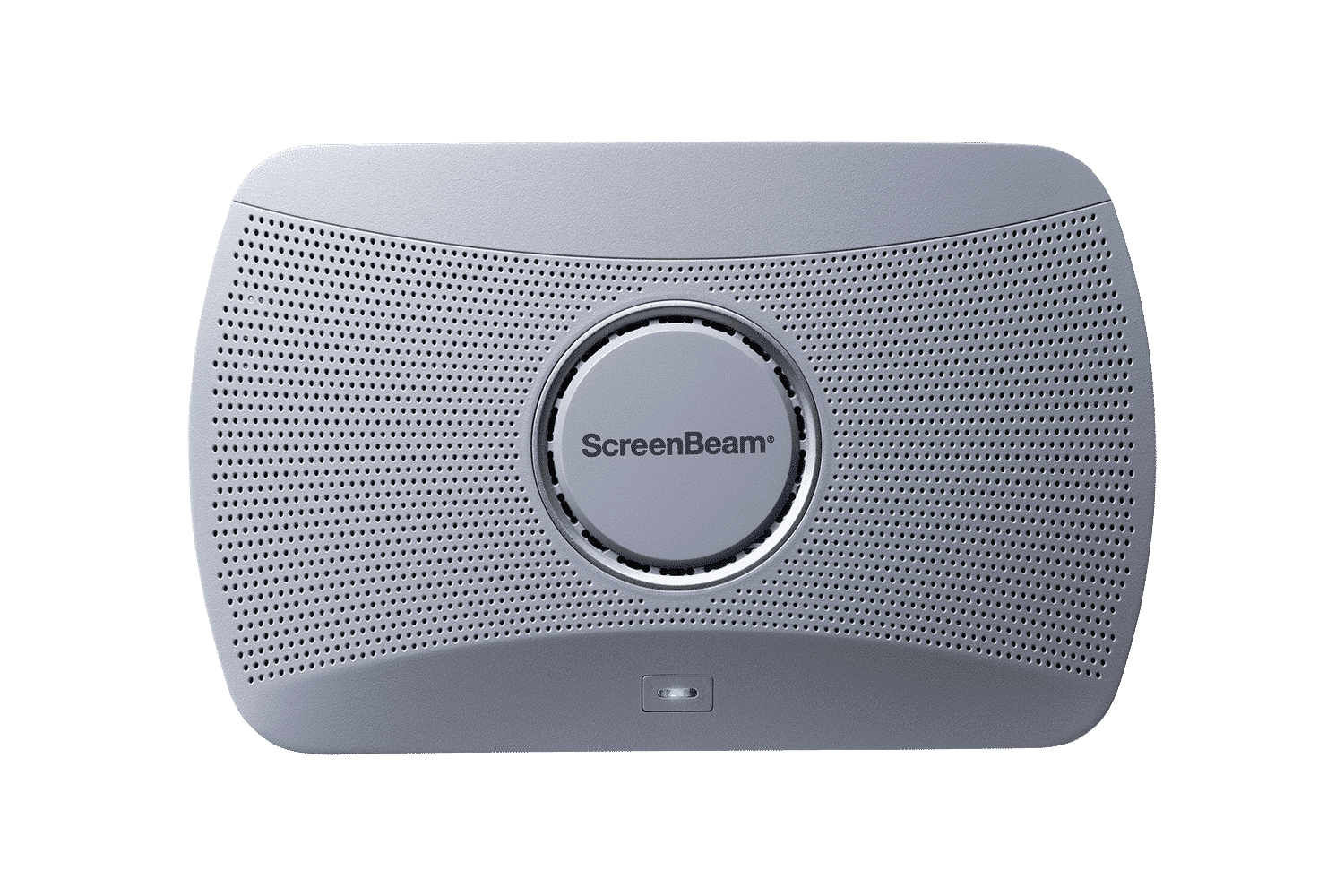
ScreenBeam 1000 EDU Gen 2
A complete smart wireless presentation and engagement solution built for modern classrooms. The 1000 EDU Gen 2 enables screen sharing from any device, includes a built-in whiteboard for collaboration, digital signage, instant alerts, and more … all in a single solution.
ideal for K-12
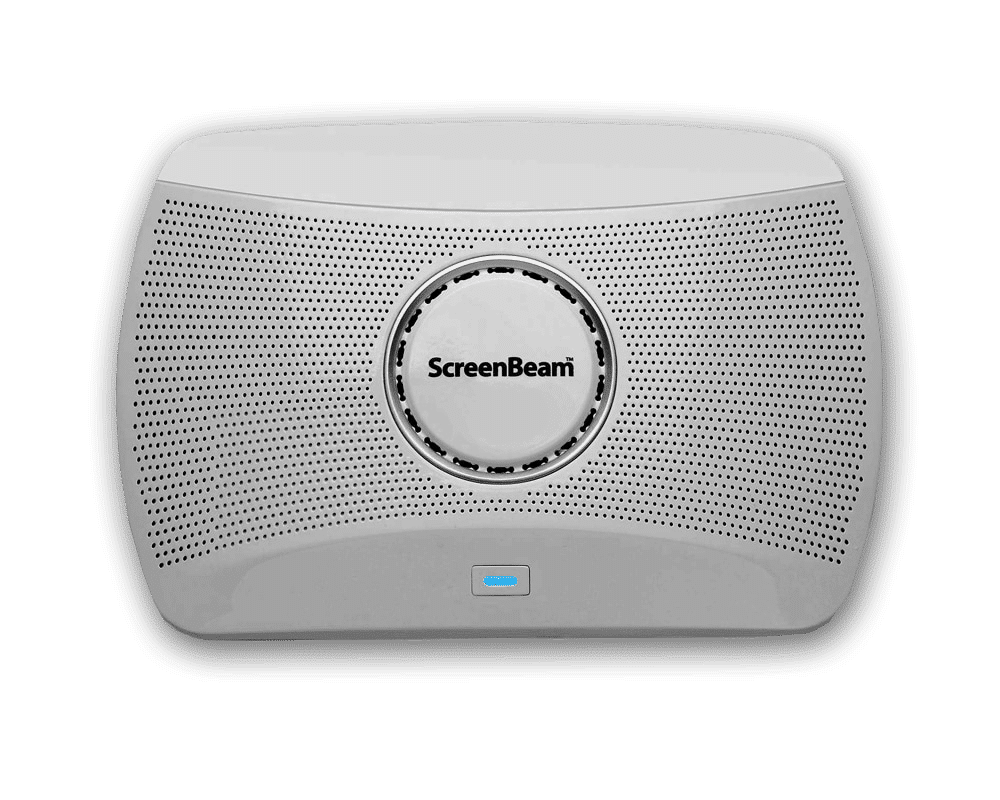
ScreenBeam 1000 EDU
The ScreenBeam 1000EDU is a wireless presentation platform that supports app-free screen sharing for Windows, Mac/iOS and Chrome.
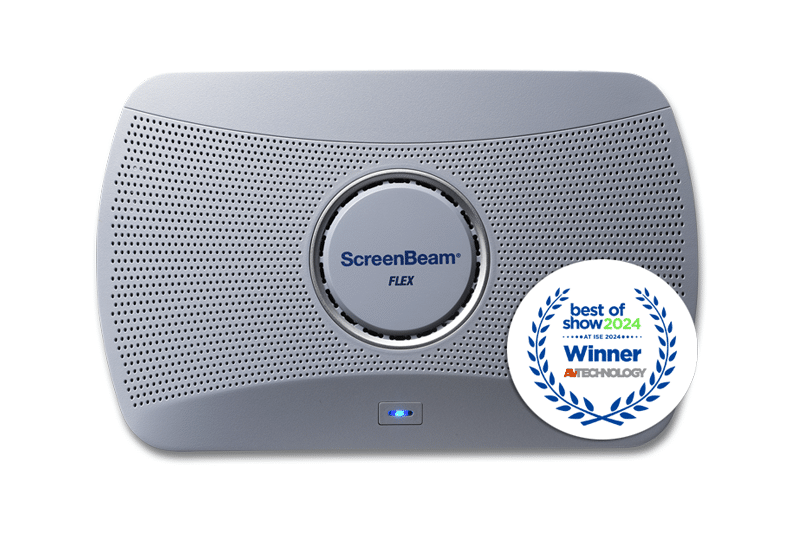
ScreenBeam FLEX
An affordable, easy-to-deploy wireless display solution that brings powerful collaboration capabilities to any room. It enables app-free screen sharing from any device and supports all major conferencing tools—perfect for creating productive meetings or learning spaces without the complexity or high cost.
Ideal for Higher Education, Small and Medium Businesses (SMB)