ScreenBeam Message Manager
Communicate clearly, without disrupting class
ScreenBeam Message Manager is a cloud-based messaging tool that enables front-office and administrative staff to send text announcements and messages to any ScreenBeam-enabled display on campus. Whether it’s daily announcements, classroom pickups, or general updates, messages are delivered instantly and discreetly via ticker, half-screen, or full-screen formats. As part of the ScreenBeam Administrative Tools bundle, Message Manager improves communication while minimizing classroom disruption.
Product Highlights
- Cloud-based console with intuitive interface
- Supports scrolling ticker, half-screen, and full-screen messages
- Instant send, scheduled, or recurring messages
- Centralized delivery to individual, groups, or all receivers
- Designed for non-instructional staff (e.g., front office use)
ScreenBeam Administrative Tools Bundle
The Administrative Tools bundle unifies Signage+, Alert+, and Message Manager into one platform, simplifying communication across every ScreenBeam-equipped display. Together they create a complete network for daily updates, urgent alerts, and digital signage while delivering the right message to the right screen at the right time.
Features built for visibility, designed for simplicity
Message Manager gives schools and organizations a streamlined way to deliver timely messages to any screen. Whether it’s a daily reminder or an urgent update, the intuitive interface makes it easy to communicate with clarity—across classrooms, buildings, or entire campuses.
- Cloud-based message manager interface
- Ticker, half-screen, and full-screen message formats
- Schedule, send immediately, or repeat messages
- Target individual receivers or entire display groups
- Works across classrooms and instructional spaces
- Integrated with ScreenBeam Administrative Tools suite
Use Cases
- School Dismissal Announcements: Automates staggered dismissals for smooth transitions.
- Late Student Arrival Notifications: Notifies teachers discreetly, reducing classroom disruptions.
- General Campus Communications: Simplifies daily announcements and event updates.
- Priority Updates: Real time to address campus and student safety
Compatibility
- Works with all ScreenBeam 1xxx and higher receivers
- Integrated with Message Manager and Alert+ as part of the Administrative Tools Bundle
- Supports images, videos, PDFs, URLs, and widgets like calendar, clock, ticker, weather
- Browser-based control — no software install needed
- Fully cloud managed with secure role-based permissions
Benefits
- Enhances communication protocols by adding visual messaging to front of screen
- Reduces classroom disruption by replacing PA and intercom interruptions
- Enables silent, discreet communication across campus
- Saves time with scheduled or recurring messages
- Ensures message consistency and visibility in every classroom
- Eliminates uncertainty about whether a message was received (vs. email or verbal delivery)
Compatible Hardware
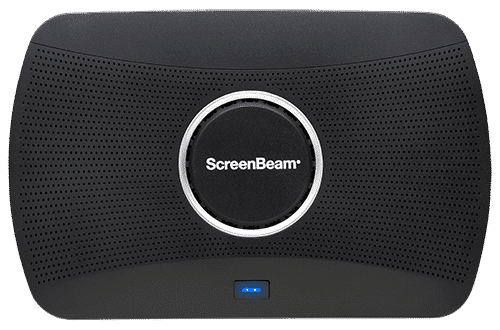
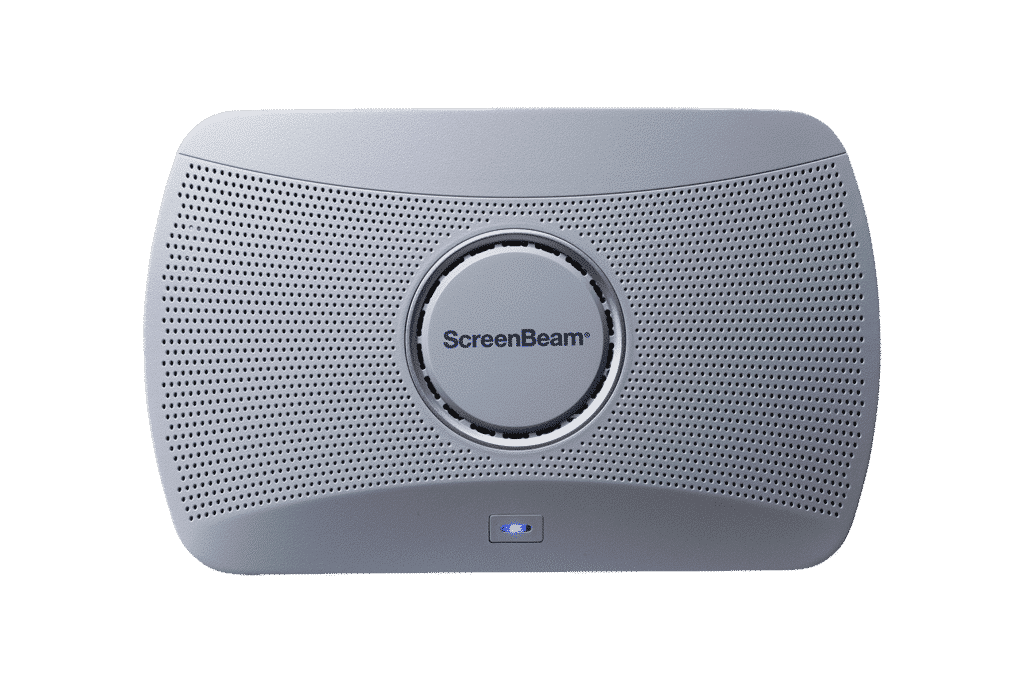
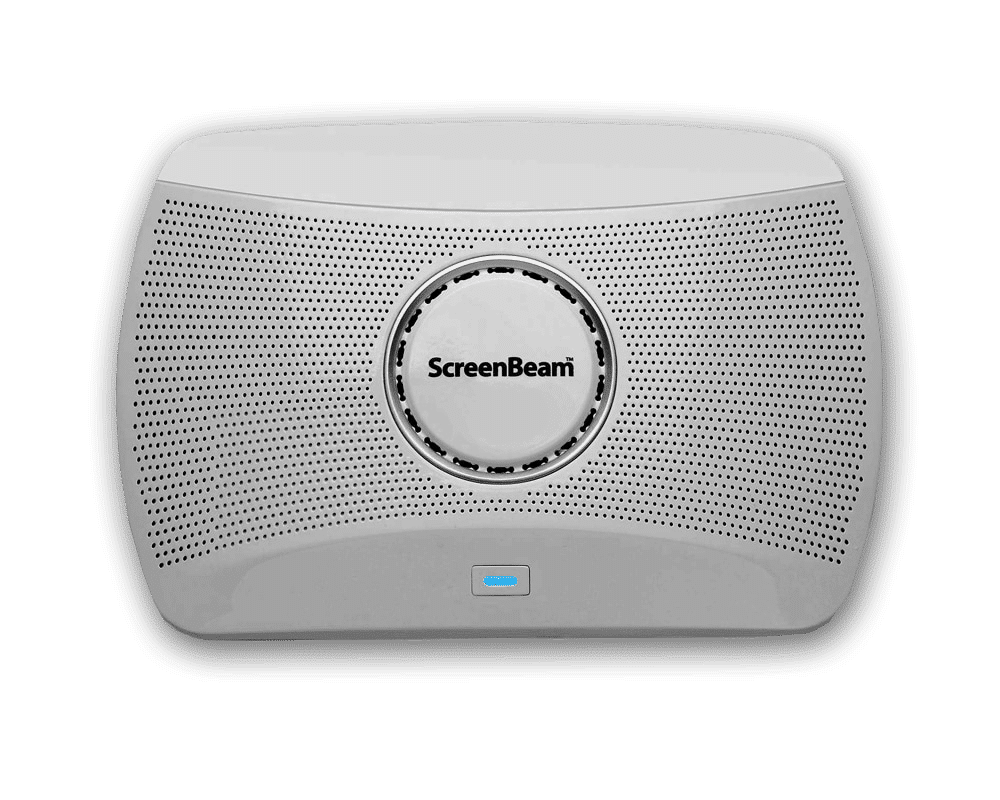
- ScreenBeam 1000 EDU
- ScreenBeam 1000 EDU Gen 2
- ScreenBeam 1100 Plus
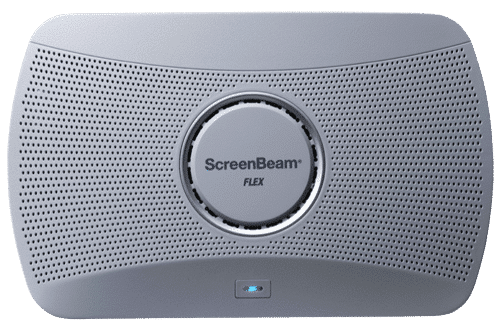
- ScreenBeam FLEX
Compatible Software
- CMS Enterprise (CMSE) version 4.4.14.0 or later
- Minimum receiver firmware: 11.x.17.3
Required License
- ScreenBeam Administrative Tools
Other
- Internet access required for receivers and CMS
- Optional touchscreen interactivity for dismissing messages
| Document Name | Download | |
|---|---|---|
| Deployment Guide | 1.0 | Download |
How It Works
- Admin logs into ScreenBeam Cloud
- Chooses message format: ticker, half-screen, or full-screen
- Types message, sets timing (now, schedule, recurring)
- Selects target receiver groups
- Sends message
- Message appears on ScreenBeam-connected displays
Setup Is Simple
- Admin licenses are activated via ScreenBeam Cloud
- CMS is connected to receivers and bound to Cloud
- Receiver groups are created and assigned
- Admin and Front Office user roles are configured
- All message management occurs through cloud interface
Request A Trial
Experience a world where technology fades into the background and meaningful, interactive experiences take center stage.
ScreenBeam needs the contact information you provide to us to contact you about our products and services. You may unsubscribe from these communications at any time. For information on how to unsubscribe, as well as our privacy practices and commitment to protecting your privacy, please review our Privacy Policy.

Schedule A Demo
Experience a world where technology fades into the background and meaningful, interactive experiences take center stage.
ScreenBeam needs the contact information you provide to us to contact you about our products and services. You may unsubscribe from these communications at any time. For information on how to unsubscribe, as well as our privacy practices and commitment to protecting your privacy, please review our Privacy Policy.

Compatible Hardware
ScreenBeam 1100 Plus
Our flagship wireless display solution for modern workplaces. 1100 Plus enables app-free content sharing from any device and supports all major video conferencing platforms. With flexible deployment and robust security, it’s a perfect fit for conference rooms, collaboration spaces, and hybrid environments.
Ideal for Business and Higher Education
ScreenBeam 1000 EDU Gen 2
A complete smart wireless presentation and engagement solution built for modern classrooms. The 1000 EDU Gen 2 enables screen sharing from any device, includes a built-in whiteboard for collaboration, digital signage, instant alerts, and more … all in a single solution.
ideal for K-12
ScreenBeam 1000 EDU
The ScreenBeam 1000EDU is a wireless presentation platform that supports app-free screen sharing for Windows, Mac/iOS and Chrome.
ScreenBeam FLEX
An affordable, easy-to-deploy wireless display solution that brings powerful collaboration capabilities to any room. It enables app-free screen sharing from any device and supports all major conferencing tools—perfect for creating productive meetings or learning spaces without the complexity or high cost.
Ideal for Higher Education, Small and Medium Businesses (SMB)